AI Education — April 6, 2026 — Edu AI Team
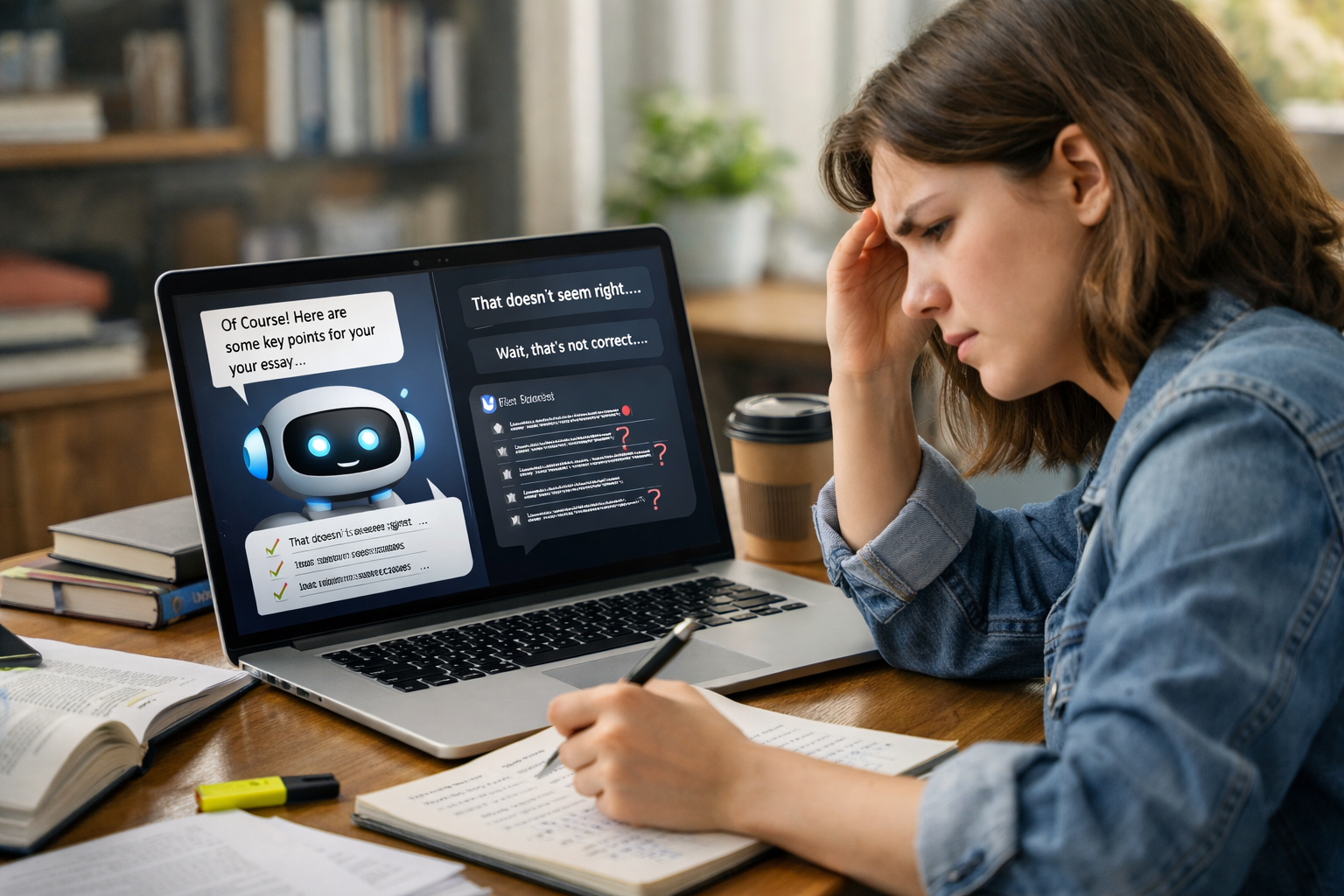
AI chatbots can be useful study assistants because they give quick explanations, generate practice questions, summarise long topics, and offer help at any time of day. But they also have clear drawbacks: they can be wrong, oversimplify ideas, encourage copying instead of learning, and sometimes sound more confident than they should. The best way to use them is as a support tool—not as a replacement for teachers, textbooks, or your own thinking.
If you are completely new to this topic, an AI chatbot is a computer program that can respond to typed questions in a conversation-like way. Tools like this are trained on large amounts of text so they can predict useful answers. That sounds impressive, but it does not mean they truly “understand” a subject like a human teacher does. This is why knowing both the benefits and risks matters, especially for students.
Using an AI chatbot for studying means asking it to help with school, university, language learning, test preparation, or self-study. For example, a student might type:
That kind of support can feel like having an always-available study partner. For beginners, this is often the biggest attraction: no waiting for office hours, no embarrassment about asking “basic” questions, and no need to search through 10 websites for a simple answer.
Still, fast help is not always accurate help. A chatbot may produce a clean, readable answer that sounds correct while containing mistakes. That is why students need to learn how to use AI carefully, not just quickly.
One of the biggest advantages is convenience. A teacher, tutor, or classmate may not be available at 11 p.m. before an exam. A chatbot is. This can reduce friction—the small delays that stop people from studying. If a student gets stuck, they can ask for help immediately and keep going.
For many learners, especially adults balancing work and family, this matters a lot. Studying in small blocks of 20 to 30 minutes becomes easier when support is always there.
Beginners often struggle because textbooks use too much technical language. AI chatbots can rephrase difficult ideas in plain English. For example, instead of a complex definition of machine learning, a chatbot might say: “Machine learning is a way of teaching computers to find patterns in data so they can make predictions.”
That kind of simplification helps students build confidence. It is especially useful for people entering new fields like AI, coding, finance, or language learning for the first time.
A good study session is not just reading—it includes doing. Chatbots can create flashcards, mock quiz questions, short summaries, or step-by-step explanations based on your level. If you say, “Make this easier,” they can often adapt. If you say, “Test me one question at a time,” they can do that too.
This makes learning feel more interactive. Instead of passively reading notes, students can practise actively, which usually improves memory.
Some students feel nervous asking questions in class because they worry about sounding behind. Chatbots remove that social pressure. You can ask the same question three times in three different ways without feeling judged.
That emotional benefit is easy to overlook, but it matters. When people feel safer asking questions, they often learn more.
AI chatbots are flexible. They can help with essay planning, language vocabulary, coding basics, revision schedules, and interview preparation. A student revising biology may use one for quick summaries, while a beginner learning Python may use one to explain simple code line by line.
If you want structured beginner-friendly learning beyond chatbot answers, it can help to browse our AI courses and compare guided lessons with self-study tools.
This is the most important downside. AI chatbots do not always know when they are wrong. Sometimes they “guess” based on patterns in text and produce an answer that sounds polished but contains errors. This is especially risky in subjects where accuracy matters, such as science, finance, coding, or exam definitions.
For example, if a chatbot explains a maths method incorrectly and a student memorises it, that mistake may carry into homework or exams. So while chatbots are fast, they should not be treated as perfect sources.
When answers appear instantly, students may skip the thinking process. Instead of working through a problem, they might ask for the answer too early. That saves time in the moment but can weaken real understanding.
Learning often requires a little struggle. If a chatbot removes all that productive effort, the student may feel prepared without actually being prepared.
Simple explanations are helpful—but only up to a point. Some subjects require detail, exceptions, and careful reasoning. A chatbot may leave out nuance to make an answer sound easy. That can create a false sense of mastery.
For example, a basic explanation of artificial intelligence may be fine for a first introduction. But if you are preparing for exams, projects, or a career move, you will eventually need deeper examples, guided practice, and feedback.
Students sometimes use AI to write essays, complete homework, or generate answers they submit as their own work. That crosses a line in many schools and universities. Even if rules are unclear, relying on AI to do the thinking can hurt long-term progress.
A safer approach is to use a chatbot for brainstorming, explanation, revision, and feedback—not for replacing your effort.
Many students forget that what they type into a chatbot may be stored or reviewed depending on the platform. That means it is unwise to share personal details, confidential school material, or sensitive information.
Before using any AI tool, check what data you are giving it and whether that is appropriate.
AI chatbots work best in low-risk, high-support situations. Good examples include:
In these cases, the chatbot acts like a study assistant, not a final authority.
Be more cautious when using AI for:
A useful rule is this: the more important accuracy is, the more you should verify the answer elsewhere.
The quality of your prompt affects the quality of the answer. Instead of asking “Explain economics,” ask “Explain supply and demand with a real-world example for a beginner.” Specific questions usually produce more useful responses.
Try prompts like:
These encourage active learning instead of passive copying.
Check important information against class notes, trusted textbooks, official sources, or your teacher. If a chatbot gives a definition, formula, or code solution, do not assume it is correct just because it sounds confident.
Chatbots are helpful for quick support, but many beginners need a clearer path: lessons in order, practical exercises, and concepts explained step by step. If you are moving from curiosity to real skill-building, it may help to view course pricing and see what guided learning options fit your goals and budget.
Yes—if you use them in the right role. They are good at explaining, summarising, testing, and supporting daily study habits. They are not good replacements for expert teaching, careful fact-checking, or deep independent thinking.
Think of a chatbot like a calculator for language-based tasks. It can speed things up and reduce friction, but you still need judgment. Students who benefit most tend to use AI as a helper, not a crutch.
That balanced mindset is especially important for beginners entering fast-growing areas like artificial intelligence, data science, programming, or language learning. In those fields, strong foundations matter more than quick answers.
If you want to go beyond chatbot tips and start learning with a clearer roadmap, Edu AI offers beginner-friendly courses designed for people with no prior background. You can register free on Edu AI to explore the platform, or look through beginner pathways in AI, Python, language learning, and more. A chatbot can help you study today—but structured learning can help you build skills that last.




- Learning Evolved.
- Intelligence Amplified.