HELP

+40 722 606 166

messenger@eduailast.com

AI in workplace learning: how teams upskill faster

AI Education — March 27, 2026 — Edu AI Team
AI in workplace learning: how teams upskill faster

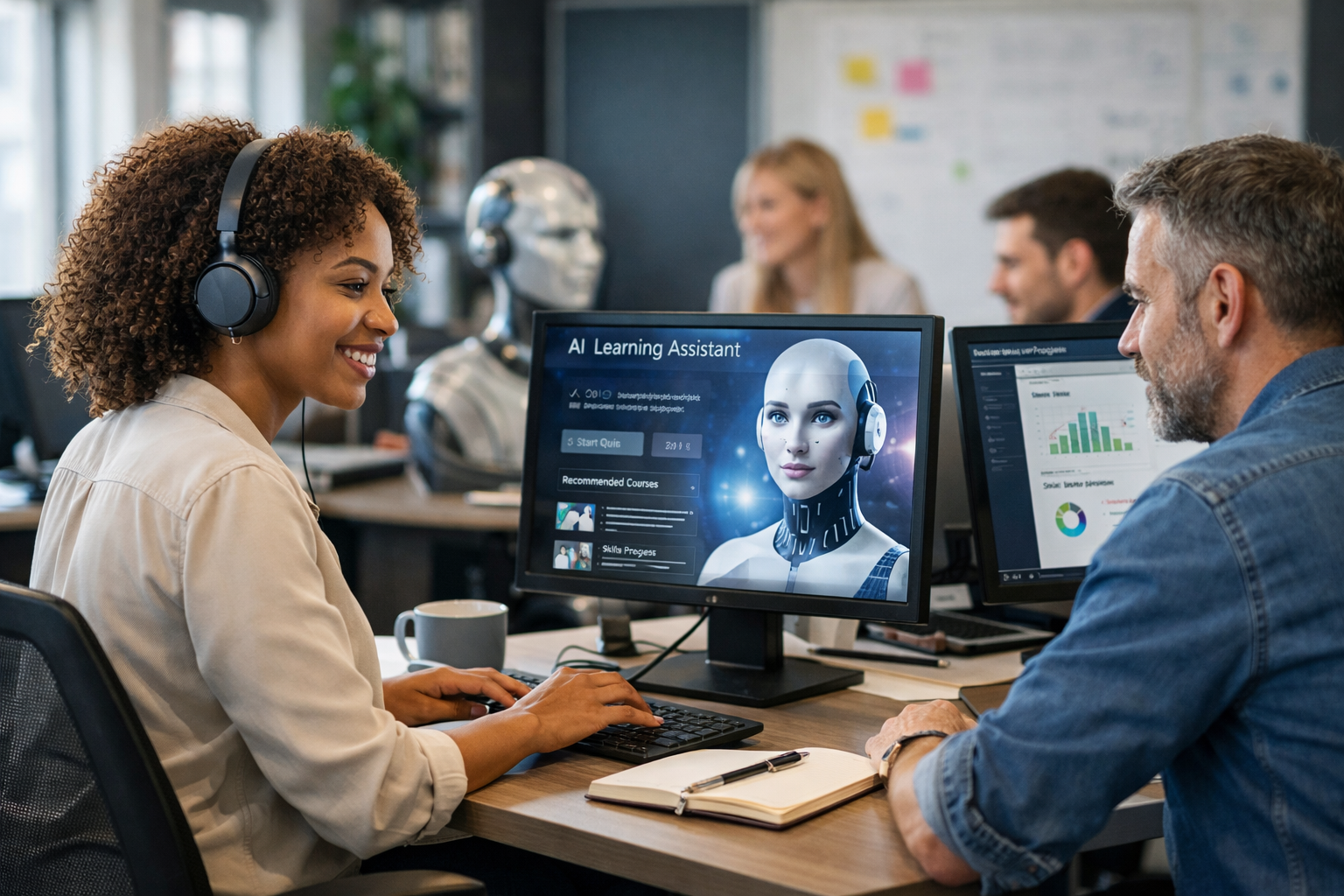
AI in workplace learning means using software that can “learn” from data to personalize training, recommend the next best lesson, and provide on-the-job coaching—so employees reach job-ready skills faster than with one-size-fits-all courses. In practice, companies use AI to (1) assess what each person already knows, (2) build a short, targeted learning path, and (3) support people while they work with quick answers, practice tasks, and feedback.

What “AI” means here (no coding required)

Many people hear “AI” and imagine robots. In workplace learning, AI is usually simpler and more practical:

  • Machine learning is software that finds patterns in data. In training, it can notice which lessons help which roles, or which quiz questions are commonly missed.
  • Generative AI (like chat-based assistants) can create text: explanations, summaries, practice questions, role-play scenarios, or feedback.
  • Recommendation systems suggest what to learn next—similar to how Netflix recommends shows, but for skills.

You don’t need to be a programmer to benefit from these tools. Employees typically interact with AI through a learning platform, a chatbot, or a “smart” search bar inside company tools.

Why companies are investing in AI for learning

Traditional training often struggles with three big problems:

  • It’s too generic. Everyone takes the same course, even though they start at different skill levels.
  • It’s too slow. Long training programs include content people don’t need, stretching time-to-skill.
  • It’s hard to prove impact. Completion rates don’t always translate to better performance.

AI helps by making learning more targeted, more “in the flow of work,” and easier to measure. Instead of “Take this 6-hour course,” the new approach is “Take the 25 minutes you need right now, practice with examples from your job, and get feedback.”

7 practical ways companies use AI to upskill teams faster

1) Skills mapping: finding the gap between today and job-ready

AI can help create a skills map—a list of skills required for a role (for example: customer support, junior analyst, or product manager) and where each employee currently stands.

How it works: The system combines signals like quiz results, course history, manager input, and sometimes work artifacts (such as ticket categories or project types). Then it estimates a skill level and highlights gaps.

Example: A sales team needs stronger data literacy. AI identifies that most reps struggle specifically with “interpreting a chart” and “calculating percentage change,” so training focuses on those topics first instead of generic “data science.”

2) Personalized learning paths: less filler, more relevance

Once skill gaps are clear, AI can generate a short learning path—a step-by-step set of lessons and practice tasks that match the person’s goals and starting point.

Beginner-friendly benefit: If you’re new, you get fundamentals first (simple definitions, examples, and short practice). If you’re more advanced, you skip basics and move to applied work.

Comparison: Traditional training is like giving everyone the same textbook. AI-driven paths are more like a tutor choosing the right chapter for you.

3) Microlearning: 10–15 minute lessons that actually stick

Microlearning means short lessons designed for busy schedules—often 5 to 15 minutes. AI helps by selecting the smallest useful chunk of content and serving it at the right time.

Example: A new manager learns “how to give constructive feedback” through a 12-minute lesson, then completes a short scenario-based exercise. The next day, AI suggests a quick refresher based on what they missed.

4) AI coaching and Q&A inside the tools people already use

Instead of searching a long course, employees can ask an AI assistant questions in plain English, such as:

  • “Explain this KPI like I’m new.”
  • “Give me a checklist for running my first 1:1 meeting.”
  • “Turn this policy into a 5-bullet summary.”

When done well, this reduces time spent stuck and helps people learn while working. The key is that the assistant should point to trusted sources (company docs, official playbooks, or vetted course material) rather than guessing.

5) Faster content creation: turning expert knowledge into training

Many companies have internal experts, but those experts don’t have time to build courses. Generative AI helps by drafting:

  • lesson outlines and summaries
  • practice questions and “what would you do?” scenarios
  • role-specific examples (support, marketing, finance, operations)

Important: AI drafts should be reviewed by a human expert. Think of AI as a speed tool, not a final author.

6) Practice simulations: learning by doing, safely

People learn faster when they practice realistic tasks. AI can generate simulations—safe role-plays that mirror real work.

Examples:

  • Customer support: role-play an angry customer and practice de-escalation language.
  • Finance: practice explaining a budget variance to a non-finance stakeholder.
  • Data work: practice turning a messy question into a clear problem statement.

Simulations can also provide feedback: not just “right/wrong,” but suggestions on clarity, tone, structure, and missing steps.

7) Learning analytics: measuring what changes after training

Traditional metrics (like “completed the course”) don’t prove much. AI-powered learning analytics can connect training to outcomes, such as:

  • fewer support escalations after a new troubleshooting module
  • shorter onboarding time for new hires
  • improved quality scores or fewer compliance mistakes

This is where companies get the confidence to invest more—because they can see which learning activities lead to performance improvements.

Where AI-driven learning works best (and where it doesn’t)

Best fits

  • Fast-changing skills: AI, data tools, cloud basics, cybersecurity awareness, product updates.
  • Large teams: personalization matters more when one trainer can’t support everyone.
  • Roles with repeatable tasks: sales scripts, support workflows, reporting routines.

Not a magic fix

  • Deep mastery still needs practice. AI can guide you, but real projects build real skill.
  • Bad data = bad recommendations. If skill definitions are unclear, AI outputs can be noisy.
  • Culture matters. If people don’t have time blocked for learning, AI won’t fix that.

How to start using AI for workplace upskilling (a simple 30-day plan)

If you’re an individual trying to upskill—or a manager setting up a pilot—use this beginner-friendly roadmap.

Week 1: Choose one role and one outcome

  • Pick a target group (e.g., new analysts, new managers, support team).
  • Pick one measurable outcome (e.g., “reduce onboarding time by 20%” or “raise QA score by 10 points”).
  • List 6–10 skills that matter for that outcome (keep it small and clear).

Week 2: Baseline current skills

  • Create a short assessment: 10–20 questions, plus 1–2 practical tasks.
  • Ask employees what they find confusing in real work (this often reveals the true gaps).
  • Tag people into beginner / intermediate / advanced based on results.

Week 3: Build a short learning path with practice

  • Create 3–6 micro-lessons (10–20 minutes each).
  • Add at least 2 practice tasks that look like the real job.
  • Use AI to generate examples and quiz items—then have a human review them.

Week 4: Add coaching and measure impact

  • Set up an AI Q&A assistant for common questions (with approved sources).
  • Measure the outcome you chose in Week 1.
  • Keep what works; remove lessons people skip or misunderstand.

Common risks (and how smart companies handle them)

AI can speed up learning, but companies should manage risks early—especially when employees are beginners and may trust the tool too much.

  • Hallucinations (made-up answers): Require citations/links to approved sources and teach employees to verify important info.
  • Privacy and confidentiality: Don’t paste sensitive customer or business data into public AI tools. Use approved platforms and clear policies.
  • Bias and fairness: If AI influences promotions or role readiness, ensure transparency and human oversight.
  • Over-automation: Keep humans responsible for final decisions—AI should support, not replace, managers and mentors.

What skills employees should learn first to benefit from AI training

You don’t need a technical background. These foundations help almost any role:

  • AI basics: what AI can and can’t do, and how to check answers.
  • Prompting: asking clear questions and giving good context (a practical skill for generative AI).
  • Data literacy: reading charts, understanding simple metrics, and spotting misleading numbers.
  • Python (optional): helpful if you want to move into data/AI roles, but not required for most AI-enabled workflows.

If you’re career-switching into data or AI, structured learning helps you avoid random tutorials. Edu AI’s beginner-friendly tracks cover fundamentals step by step, and many courses are designed to align with common certification frameworks used by employers (including AWS, Google Cloud, Microsoft, and IBM) where applicable.

Next Steps: start learning (without feeling overwhelmed)

If you want to understand how AI is changing workplace learning—and build skills you can actually use—start with a beginner track that explains concepts in plain English and includes practice.

Pick one goal (for example, “understand generative AI at work” or “learn Python fundamentals”), commit to 15–20 minutes a day for two weeks, and you’ll be surprised how quickly the basics click.


Article Info
  • Category: AI Education
  • Author: Edu AI Team
  • Published: March 27, 2026
  • Reading time: ~6 min

