AI Education — March 17, 2026 — Edu AI Team
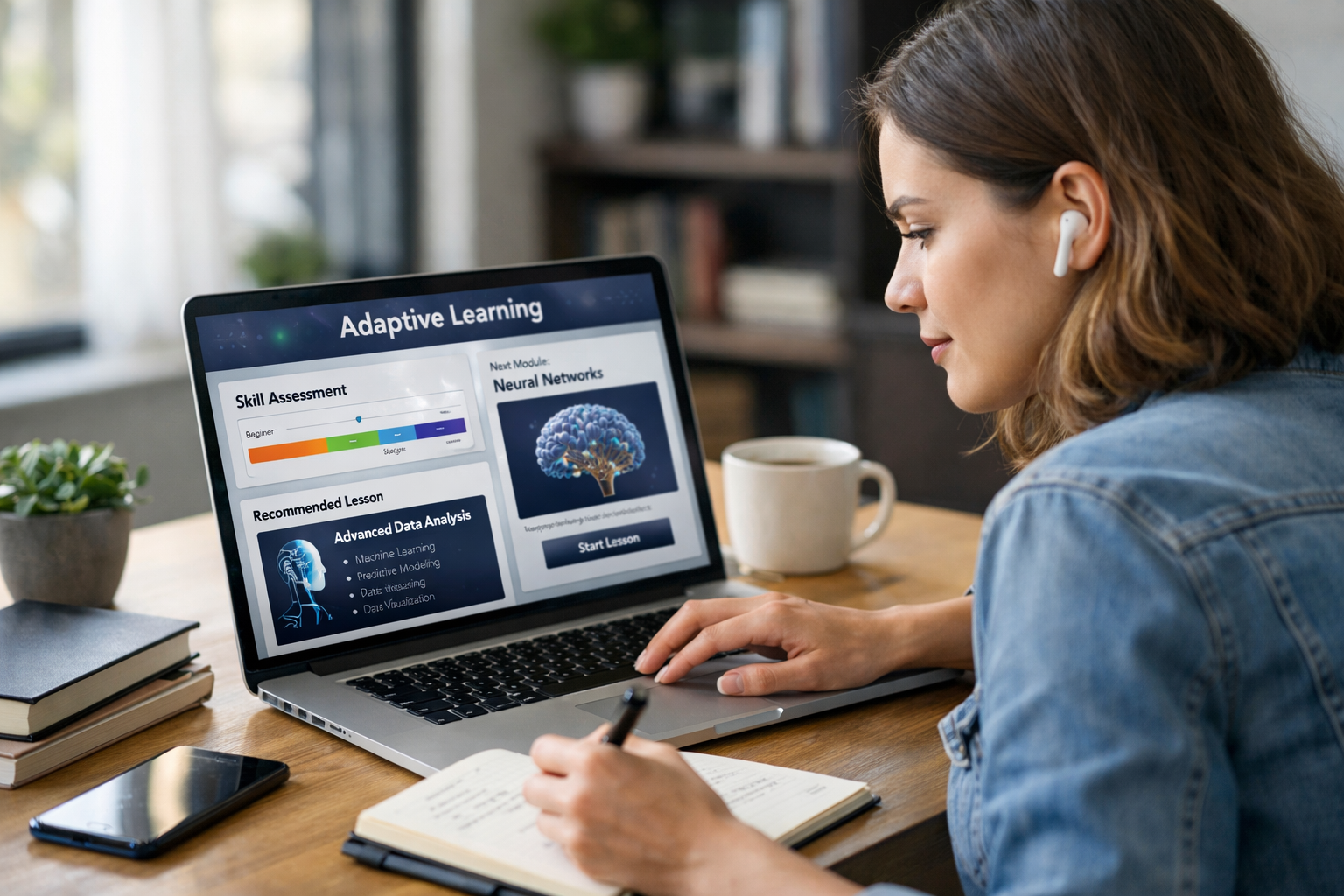
AI-powered adaptive learning adjusts a course to your skill level by continuously measuring what you understand (and what you don’t) and then changing the difficulty, sequence, and practice you see next. Instead of every learner following the same linear syllabus, the platform uses your quiz results, time-on-task, mistakes, and confidence signals to recommend the next best lesson—whether that’s a quick refresher, more challenging problems, or a different explanation style.
Traditional online courses are usually “one size fits all”: everyone watches the same videos, completes the same assignments, and takes the same quizzes in the same order. That can be inefficient:
Adaptive learning flips that model. It treats learning as a feedback loop: assess → personalize → practice → reassess. Done well, it helps beginners build foundations without overwhelm and helps experienced learners accelerate without boredom.
To adjust course content, an adaptive system needs an estimate of your knowledge. Most platforms combine multiple signals rather than relying on a single test score.
Many adaptive courses start with a short diagnostic—often 10–25 questions—designed to cover the key prerequisites. The goal is not to “grade” you; it’s to identify where you’re strong and where you need support.
Example: In a Machine Learning track, a diagnostic might sample:
If you miss questions on matrices but do well in Python, the platform can route you toward a targeted linear algebra refresher instead of repeating Python content you already know.
Adaptive learning works best when it keeps listening while you learn. Common signals include:
These signals help the platform differentiate between “I made a careless mistake” and “I don’t understand the concept yet.”
Some systems also incorporate soft signals like self-reported confidence (“How sure are you?”) or engagement (drop-off points, repeated rewinds). These are helpful but should be treated cautiously, because attention varies with context (work schedule, sleep, stress).
Once the system estimates your skill level, it can adjust multiple parts of the learning experience—not just the next quiz question.
The platform can reorder modules so you learn prerequisites before advanced topics. This is especially useful in technical fields where concepts build on each other.
Example: If you struggle with gradient descent in Deep Learning, the system may insert a short detour to cover derivatives, learning rates, and optimization intuition before returning to neural networks.
Adaptive learning aims for the “productive struggle” zone. Too easy and you’re not growing; too hard and you disengage. Systems often adjust difficulty by:
Practical comparison: In a Computer Vision course, a beginner might start with image resizing and basic filters, while an advanced learner moves quickly into CNN architectures and transfer learning, with fewer repetitive drills.
Two learners can miss the same question for different reasons. Adaptive systems can provide alternative explanations:
Example: If you’re learning NLP and keep mixing up tokenization vs. embeddings, the platform can show a concrete pipeline example (raw text → tokens → IDs → embedding vectors) and then prompt you to implement a small snippet in Python.
Many adaptive platforms use spaced repetition principles: revisiting material at increasing intervals to improve long-term retention. If you get a concept wrong today, the system may resurface it tomorrow, then again in 3 days, then in a week—until it stabilizes.
Why it matters: This is especially effective for language learning (vocabulary, grammar patterns) and for technical definitions (metrics, algorithms, trade-offs).
Instead of “do 20 more questions,” adaptive learning can assign practice tied to the exact sub-skill you’re missing.
Example: In Data Science, if you consistently misinterpret p-values, the platform can give you:
This targeted design reduces time spent on content you already know.
Here’s a realistic example of how AI-powered adaptive learning might adjust over a 45–60 minute session in a Python + ML pathway:
In a fixed syllabus, you might not get that level of precision. Adaptive learning turns your time into higher signal per minute.
Adaptive learning is useful for most learners, but it’s especially powerful in these situations:
Tip: To get better personalization, don’t “game” the diagnostics. If you guess randomly or rush, you may get an inaccurate route. Treat early checkpoints like a map, not a test.
Many learners searching for adaptive learning also care about credentials and career outcomes. A well-designed adaptive course can support certification prep by mapping skills to commonly tested domains and reinforcing weak areas.
When choosing a platform, look for:
Edu AI’s AI and data-focused learning paths are designed to build practical skills and align with widely used certification frameworks (including AWS, Google Cloud, Microsoft, and IBM) where applicable—so you can connect what you learn to recognized industry expectations.
Usually, adaptive learning does not mean fully auto-generated curricula. The strongest systems combine curated course structures (so the content is reliable) with AI-driven personalization (so you get the right piece at the right time).
Adaptation can reduce wasted time, but consistency still matters. A realistic target for busy learners is 30–60 minutes per session, 3–5 sessions per week. Adaptation helps those sessions count.
Advanced learners benefit too—especially through acceleration, harder problem sets, fewer hints, and project-based pathways that prioritize what’s missing rather than repeating fundamentals.
If you’re comparing platforms, use this quick checklist:
If your main goal is to build job-ready AI skills, start with a structured catalog so you can compare tracks clearly. You can browse our AI courses by domain (Machine Learning, Generative AI, NLP, Computer Vision, Reinforcement Learning, Python, and more) and pick a path that fits your timeline.
If you want a learning experience that adjusts to your strengths and gaps—so you spend less time repeating what you know and more time building real skills—make your next step simple:
Choose a track, take the first checkpoint, and let the course adapt from there—so your learning stays challenging, efficient, and aligned with your goals.



- Learning Evolved.
- Intelligence Amplified.