AI Education — July 27, 2026 — Edu AI Team
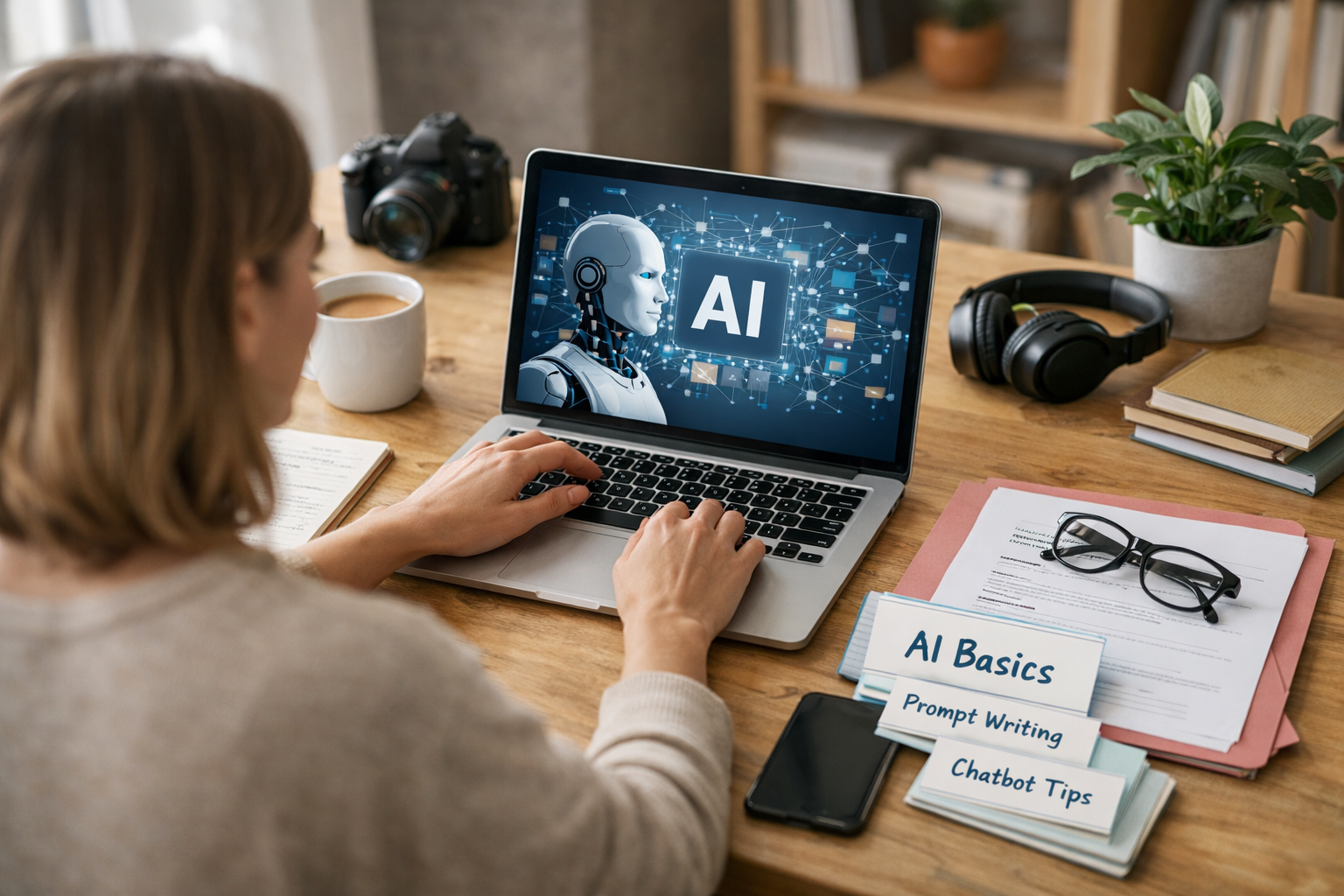
Yes, you can switch to AI even if you feel bad at computers. You do not need to be a “tech genius,” a strong coder, or someone who has built computers since childhood. What you really need is the ability to learn step by step, practice basic digital skills, and stay patient through the early awkward stage. Many people move into AI from teaching, sales, finance, admin work, design, or completely unrelated jobs. The starting point is not being naturally brilliant with computers. The starting point is being willing to improve.
If you are asking this question, you are probably not truly “bad at computers.” More likely, you are inexperienced, underconfident, or comparing yourself to experts. That matters, because lack of experience can be fixed. In most beginner AI paths, you do not start by building robots or writing complex code. You start by learning how data works, what simple programming looks like, and how AI tools solve practical problems.
People say they are bad at computers for many different reasons. Usually, they mean one or more of these:
None of these automatically blocks you from learning AI. In fact, the biggest challenge for most beginners is not intelligence. It is confidence. AI can sound scary because the words are unfamiliar. But once broken down, many concepts are easier than people expect.
Artificial intelligence, or AI, is when computers are taught to spot patterns and make useful predictions or decisions. For example:
Machine learning is one of the main ways AI works. It means teaching a computer system using examples instead of writing every rule by hand. So instead of saying, “if this exact thing happens, do this,” you show the system many examples and it learns the pattern.
At a beginner level, your job is not to invent this from scratch. Your job is to understand what problems AI solves, what data is, and how simple tools are used to build or test solutions.
No. You need basic digital comfort, not advanced technical mastery.
Think of it like learning to cook. You do not need to be a professional chef before making your first pasta dish. You just need to know how to use a kitchen safely, follow instructions, and practice. AI is similar. Before advanced projects, you need some core habits:
These are learnable skills. Many beginners improve them within a few weeks of regular practice.
You should know how to open programs, manage files, copy and paste, install simple software, and use online learning platforms. If you can do everyday tasks like sending emails, joining video calls, and using Google Docs, you already have a starting foundation.
AI work often means breaking a task into smaller steps. For example, if sales are falling, can data help explain why? If customer service gets repeated questions, could an AI chatbot help? You do not need advanced maths to start thinking this way.
Python is a beginner-friendly programming language often used in AI. A programming language is simply a way to give instructions to a computer. Python is popular because its code often looks cleaner and more readable than many alternatives.
The good news: beginner AI learners usually start with a few simple ideas such as variables, lists, loops, and functions. You are not expected to build complex systems in week one.
Data means information. It could be numbers in a spreadsheet, customer reviews, photos, or text messages. AI learns from data, so beginners need to understand what good data looks like and why messy data causes problems.
This matters more than talent. Thirty to sixty minutes a day for three months often beats one long burst of motivation followed by quitting.
Another reason you can switch into AI is that not every role is deeply technical. Some jobs need coding. Others need communication, business understanding, research, or product thinking.
Examples of beginner-friendly directions include:
This is important because your first move into AI does not have to be “become a top machine learning engineer.” It can be “learn enough AI to become useful in an AI-connected role.”
Spend the first few weeks improving basic computer confidence. Practice file handling, browser use, typing, spreadsheets, and simple online tools. At the same time, learn what AI, machine learning, and data mean in plain English.
Learn basic Python concepts for beginners. Focus on reading small bits of code and making tiny changes. A good early goal is writing a short script that stores names, counts numbers, or prints simple messages.
Study beginner-level topics like training data, predictions, chatbots, image recognition, and model accuracy. A model is a system trained to make predictions or generate outputs. For example, a model might predict house prices or classify emails as spam or not spam.
Projects build confidence fast. For example:
Notice how these are practical, not futuristic. That is how most beginners grow.
This is why a guided pathway helps. A well-designed course can save dozens of hours of confusion by putting topics in the right order and explaining them in simple language.
Yes. Employers increasingly value people who can connect technical tools to real-world needs. If you have worked in healthcare, retail, finance, education, customer support, or administration, you may already understand problems AI can help solve.
For example, a teacher moving into AI may understand learning behaviour and content design. A finance worker may understand risk, forecasting, and spreadsheets. A customer support agent may understand repetitive questions that AI tools can help answer. Domain knowledge like this is useful.
What you add is the technical layer: basic computing, beginner coding, and AI fundamentals.
You do not need to love computers. But it helps if you enjoy at least some of these:
If that sounds like you, AI may be worth exploring.
If you want a structured place to start, you can browse our AI courses to see beginner-friendly options across AI, Python, machine learning, data science, and related subjects. Courses are designed for learners who need clear explanations rather than expert-level assumptions.
Certificates can help, especially when you are changing fields and want proof of structured learning. They are not magic, but they can strengthen your CV, LinkedIn profile, and confidence. More importantly, the learning behind the certificate should build practical ability.
Where relevant, beginner AI learning can also support pathways aligned with major certification frameworks from AWS, Google Cloud, Microsoft, and IBM. That can be helpful if you later want to move into cloud, data, or applied AI roles.
Before committing, it is smart to view course pricing and compare study options based on your time, budget, and career goals.
It is important to be honest. If you currently struggle with computers, your first few weeks may feel slow. You may forget steps. You may need to repeat lessons. That does not mean you cannot do it. It means you are learning something new.
Most people who succeed do three simple things:
AI is a broad field. You do not need to master all of it. You only need to start building useful skills one layer at a time.
If you are asking, “can I switch to AI if I am bad at computers,” the best answer is to test it with a small, structured first step. Start with beginner lessons in computing, Python, and AI basics, then build from there. If you are ready to begin, you can register free on Edu AI and explore a learning path that matches your current level. You do not need to be great at computers today. You just need to be willing to get a little better each week.




- Learning Evolved.
- Intelligence Amplified.