AI Education — March 28, 2026 — Edu AI Team
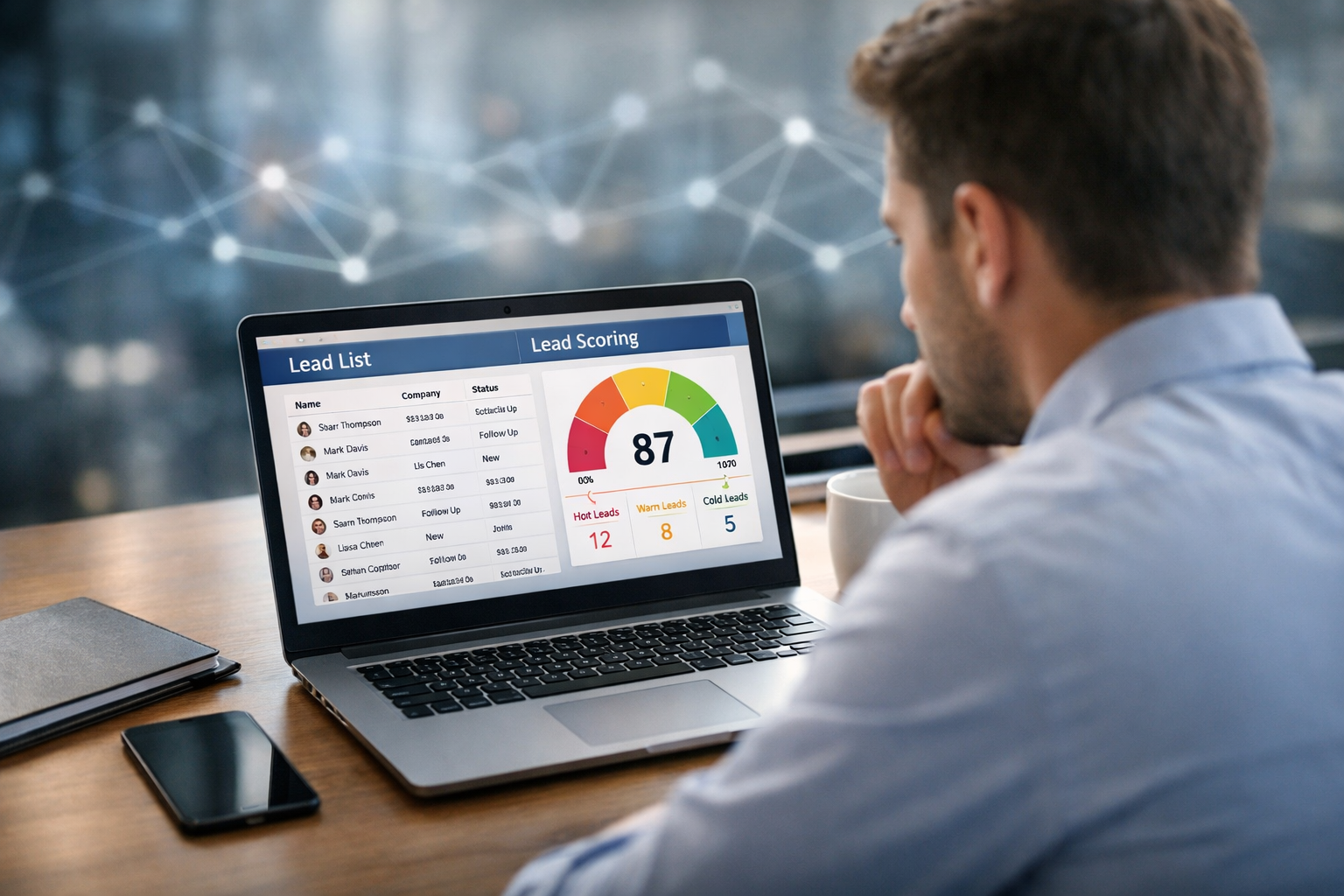
AI generates and scores sales leads automatically by (1) collecting signals from places like your website, emails, ads, and CRM, (2) using those signals to find people or companies that match your best customers, and (3) assigning each lead a score (for example, 0–100) that estimates how likely they are to become a customer. In plain terms: AI helps you find “who to talk to next” and “who can wait,” faster and more consistently than manual sorting.
A sales lead is a person or company that might buy from you. Leads can come from many places: someone fills out a contact form, downloads a guide, attends a webinar, or gets referred.
Lead scoring is a simple idea: give each lead points based on how promising they look. A high score means “sales should follow up soon.” A low score means “keep nurturing or don’t spend time yet.”
Before AI, teams often used rules like:
Those rules can work—but they’re limited. AI tries to learn the pattern automatically from real outcomes (who actually bought), then applies it to new leads.
When people hear “AI generates leads,” they sometimes imagine a robot inventing customers out of nowhere. In practice, AI usually finds leads by scanning real sources and predicting which ones match your target buyer.
Important: responsible systems avoid sensitive personal data (like health information) and follow privacy rules such as GDPR/CCPA. “Automatic” should still mean “compliant.”
Imagine you sell an invoicing tool for small businesses.
An AI system can look for new companies fitting that shape—then prioritize them, even if they only took small actions so far (like visiting “Integrations” and “Pricing” twice).
At the core is machine learning, which is just a way for a computer to learn patterns from examples. Instead of you writing rules by hand, you show the system past examples and outcomes, and it learns which signals matter most.
AI needs a clear definition of “success,” such as:
If you pick “became a paying customer,” the scores will focus on long-term buying likelihood. If you pick “booked a meeting,” it will favor quick responders.
A feature is a piece of information the model can use. Examples:
Think of features like the checkboxes and numbers you’d use if you were judging leads manually—just at a larger scale.
A model is a learned formula that maps features to an outcome. It is trained on historical data: past leads labeled as “converted” or “not converted.”
For example, if you have 20,000 past leads and 1,000 became customers (a 5% conversion rate), the model tries to learn what the 1,000 winners had in common.
Many systems convert the model’s prediction into a lead score. For example:
The exact mapping depends on your business, but the goal is consistent ranking: sales should spend time on the leads most likely to convert.
AI gets better when it learns from new outcomes. If sales marks a lead as “bad fit” or the deal is lost/won, that feedback can update future scoring.
Rules are transparent, but they’re blunt. AI can detect patterns that are hard to write by hand.
Example: A human might overvalue a well-known company name. A model might learn that mid-size firms in a specific industry convert better, even if they’re less famous.
You don’t need “big tech” scale to start, but you do need clean outcomes.
This last point matters more than it sounds. If you include “sales stage = negotiation” as an input feature, your model will look amazing—but it’s cheating, because that stage occurs after the lead is already qualified. This is a common beginner mistake called data leakage (using information the model wouldn’t truly have at prediction time).
Here’s what an end-to-end system often looks like in real companies, described in everyday terms:
Even if the AI piece is sophisticated, the operational goal is simple: faster follow-up for the best leads and less time wasted on poor-fit leads.
You don’t need advanced math. Start with a few practical checks:
One useful habit: pick a small test. For example, send the top 50 scored leads to your best rep for two weeks and compare outcomes to your usual method.
AI should support sales judgment—not replace it. The healthiest setup is “AI suggests, humans decide,” at least until you trust the process.
If you’re new to AI, the fastest way to understand lead scoring is to learn the basics of how machine learning makes predictions, then see how real business data (like CRM tables) becomes features and outcomes.
On Edu AI, you can start from zero and build up step by step. If you want a structured path, browse our AI courses and look for beginner-friendly lessons in machine learning, data science fundamentals, and practical Python for working with datasets.
Many learners also use this topic as a career bridge into roles like sales operations, marketing analytics, CRM specialist, or junior data analyst—because it sits at the intersection of business and AI. Our learning paths are designed to be approachable for non-technical backgrounds and align with the skills commonly referenced in major certification ecosystems (AWS, Google Cloud, Microsoft, IBM), especially around data, analytics, and applied machine learning fundamentals.
If you want guided lessons to understand the AI behind scoring (in plain English) and how to work with real datasets, register free on Edu AI. When you’re ready to pick a learning track, you can also view course pricing and choose a plan that fits your goals.




- Learning Evolved.
- Intelligence Amplified.