AI Education — March 27, 2026 — Edu AI Team
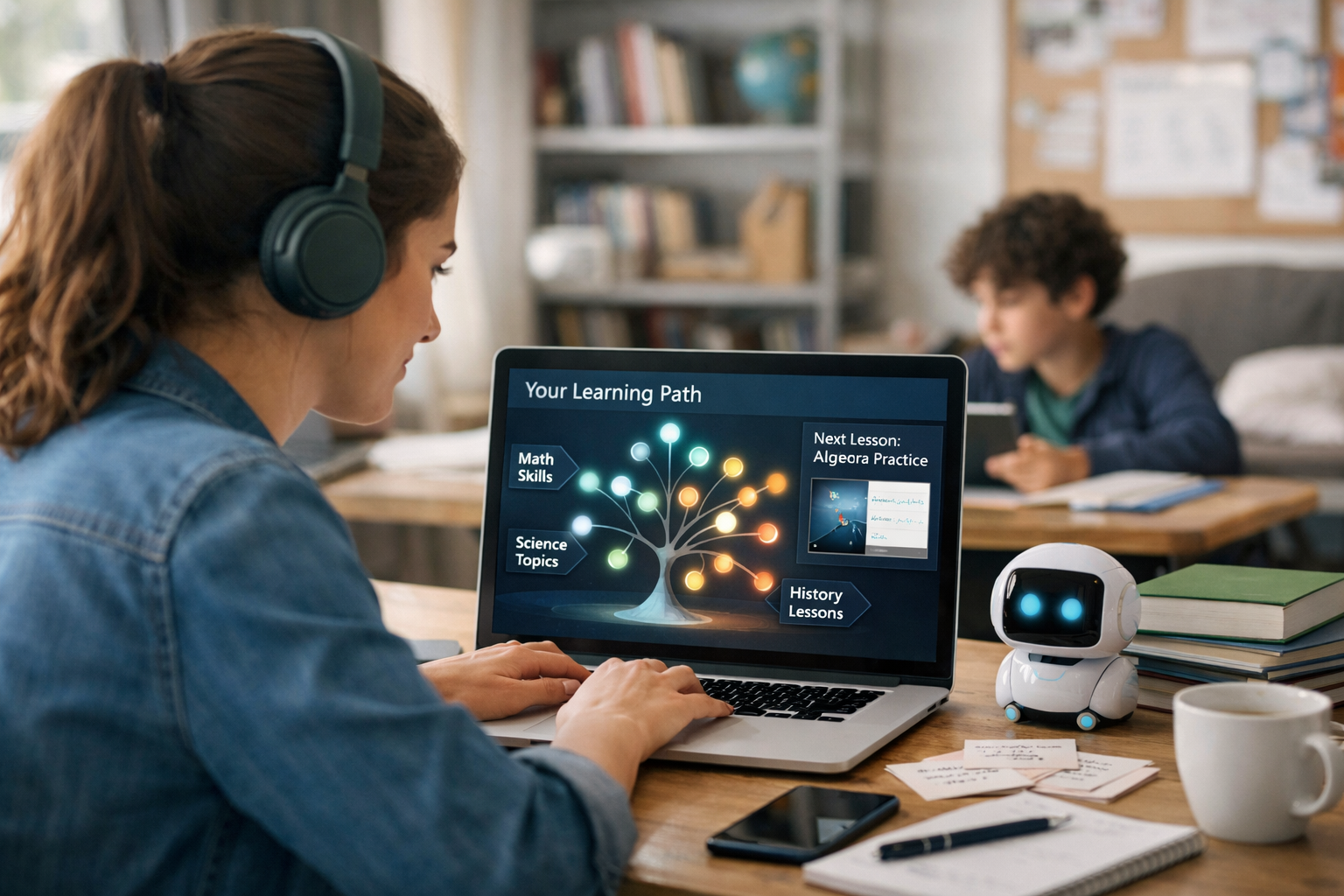
Generative AI is being used to create personalised learning paths by acting like a smart tutor that can (1) understand your goal, (2) check what you already know, (3) recommend the next best lesson, and (4) generate practice, explanations, and feedback that match your pace and learning style. Instead of one fixed syllabus for everyone, AI helps build a “route” through a topic—like Python, data science, or language learning—that adjusts as you improve.
Artificial Intelligence (AI) is software that can perform tasks that usually require human intelligence, such as understanding language or spotting patterns. Generative AI is a type of AI that can create new content—like text, quizzes, study plans, summaries, or example code—based on what you ask.
You don’t need to know how to code to benefit from it. If you can type a question like “Explain this like I’m 12” or “Give me 5 practice problems,” you can use generative AI to learn faster and with less frustration.
A learning path is a sequence of lessons and practice activities designed to take you from where you are now to a specific goal. “Personalised” means that the sequence changes based on you—not on an average student.
In a traditional course, everyone might follow the same order: Lesson 1 → Lesson 2 → Lesson 3, regardless of whether Lesson 2 was too easy or Lesson 1 was confusing.
With a personalised path, the platform can adjust things like:
Different platforms implement this differently, but most personalised learning paths powered by generative AI follow a similar loop.
The system asks questions like:
This matters because a path for “30 minutes/day for 4 weeks” must be short, focused, and high-impact—while a 3-month plan can include more fundamentals and projects.
Personalisation starts with a quick “diagnostic.” That could be:
Then generative AI can turn the results into a readable summary, like: “You understand variables and loops, but arrays/lists and functions need work.”
This is where “personalised path” becomes real. Instead of unlocking content in a fixed order, the system recommends the next topic based on:
A simple example: if you miss questions about Python functions, the path might pause a “data analysis” module and insert a short functions mini-unit first—because you’ll need functions to clean data later.
Generative AI can create multiple versions of the same concept, such as:
For example, if you repeatedly confuse “precision” and “recall” in machine learning, AI can generate 3 new mini-scenarios (spam detection, medical tests, fraud alerts) until the difference clicks.
Personalisation is not a one-time setup. After each quiz, exercise, or project, the system can adapt:
Imagine two learners start “Python for beginners.”
A generative-AI-driven platform might create two different Week 1 plans:
Both reach the same destination, but they don’t need the same route.
If your goal is “get an entry-level data analyst role,” a personalised path might include:
If your goal is instead “understand machine learning at a high level,” the AI might reduce coding depth and increase conceptual explanations and real-world examples.
In language learning, generative AI can create dialogues that match your level and interests (travel, work, hobbies). If you keep mixing up verb tenses, it can generate short, focused drills and correct you instantly—without needing to wait for a teacher’s schedule.
Beginners often quit for predictable reasons: they get lost, they don’t know what to study next, or they feel “behind.” Personalised paths help because they:
Generative AI is powerful, but it’s not magic. Here are realistic cautions:
Some tools say “personalised” but only rearrange a playlist once. Use this checklist:
If you’re learning for a career transition, personalisation is especially useful because you likely have constraints (time, confidence, background). A good learning path can keep you focused on job-relevant skills: Python foundations, practical data tasks, and beginner-friendly projects.
For learners aiming at cloud and AI certifications, structured learning matters. Many modern AI and data courses map well to skills found in major certification ecosystems such as AWS, Google Cloud, Microsoft, and IBM (for example: data basics, model concepts, and responsible AI). A personalised path can help you shore up weak areas before you attempt practice exams or hands-on labs.
If you want to try personalised learning with generative AI, keep it simple:
If you’re exploring topics, start with foundations. For a beginner-friendly place to compare paths across AI, data, and programming, you can browse our AI courses and choose a track that matches your goal and comfort level.
If you’re curious about learning AI, Python, or data skills without feeling overwhelmed, a personalised path can make your first month dramatically smoother—because you always know what to do next.
Whether your goal is a new career direction or simply understanding how AI works, learning at your own pace is not a luxury anymore—it’s quickly becoming the standard.




- Learning Evolved.
- Intelligence Amplified.