AI Education — August 27, 2026 — Edu AI Team
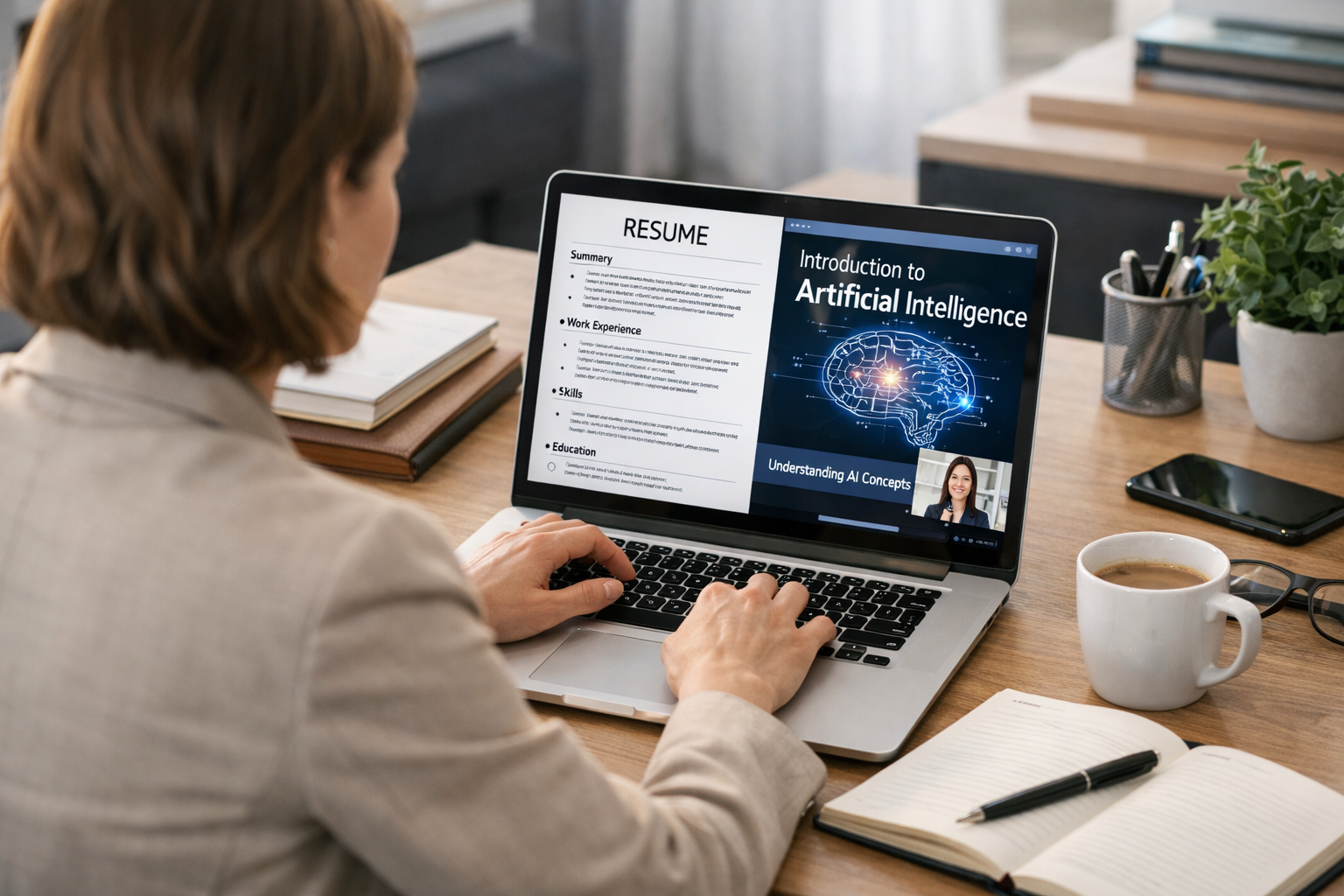
Yes, you can switch into AI with only basic computer skills. You do not need to be a software engineer, maths expert, or computer science graduate to begin. If you can use a laptop, browse the internet, manage files, send emails, and learn step by step, you already have enough to start. The smartest path is to build a foundation in Python, data basics, and beginner-friendly AI concepts, then create a few small projects and move toward entry-level roles that use AI tools.
For many people, AI feels intimidating because the topic is surrounded by technical language. But at its core, artificial intelligence means teaching computers to do tasks that normally need human judgment, such as sorting emails, recognizing images, answering questions, or predicting what a customer may buy next. You do not need to master all of AI at once. You only need a clear plan.
When people say they only have basic computer skills, they usually mean they can do everyday tasks like:
If that sounds like you, you are not behind. In fact, many successful beginners start from this point. The gap between “I use a computer” and “I can build beginner AI projects” is much smaller than most people think when learning is structured properly.
One common mistake is trying to learn advanced machine learning before understanding the basics. Machine learning is a part of AI where computers learn patterns from examples instead of being told every rule by hand. For example, if a computer sees thousands of emails marked “spam” and “not spam,” it can learn the difference over time.
Before you get there, focus on three beginner layers.
You should be comfortable downloading files, using cloud tools, copying and pasting code, and working in a browser-based learning environment. This stage is often enough for your first few weeks.
Python is a beginner-friendly programming language. A programming language is simply a way to give instructions to a computer. Python is widely used in AI because the syntax is readable and there are many helpful learning resources. You do not need to become an expert. You only need enough to understand variables, lists, loops, functions, and how to run simple programs.
AI learns from data, which means information. Data could be numbers in a spreadsheet, customer comments, photos, or audio recordings. A beginner should learn how to read data, clean it, and spot patterns. This is often less about heavy maths and more about careful thinking.
You do not need to change careers overnight. A realistic first milestone is 60 to 90 days of focused learning. Even 5 to 7 hours per week can create momentum.
Your first month should be about comfort, not speed. Learn what terms like AI, machine learning, model, dataset, and algorithm mean in plain English.
An algorithm is simply a set of steps for solving a problem. A model is a trained system that has learned from examples. A dataset is the collection of examples used for learning.
At the same time, begin beginner Python lessons. Aim to write tiny programs such as:
These may sound simple, but they teach the exact thinking you need later in AI.
In month two, move into spreadsheets, tables, and simple datasets. Learn how to sort data, filter it, and answer questions from it. Then begin beginner machine learning concepts such as:
A simple example is predicting house prices. If a model sees data on house size, location, and number of rooms, it may learn patterns and estimate the price of a new house. You are not expected to build a perfect system. You are learning how AI thinks.
A portfolio is proof of what you can do. Employers and clients care less about whether you started late and more about whether you can show real work. Good beginner projects include:
At this stage, structured learning matters. A beginner pathway with hands-on support can save months of confusion, which is why many learners choose to browse our AI courses and follow topics in a sensible order.
This is one of the biggest fears for beginners. The honest answer is: not much at the start. You do not need advanced calculus on day one. For your first stage, basic arithmetic, percentages, averages, and simple graph reading are enough.
Later, if you go deeper into machine learning engineering or research, you may study more statistics and linear algebra. But many people enter AI-adjacent roles before reaching that stage. Think of maths as something you grow into, not a gate that blocks you from starting.
Most career changers do not jump straight into “AI scientist” roles. A smarter move is to aim for beginner-friendly positions that use data, automation, or AI tools.
These roles often value communication, curiosity, and reliability just as much as technical skill. If you already have experience in customer service, finance, education, healthcare, administration, or sales, that domain knowledge can make you more valuable when combined with basic AI skills.
You do not need to erase your past career. In many cases, your current experience is your advantage.
For example:
This is often the fastest route into AI: combine what you already know with a new layer of technical skill.
AI includes machine learning, deep learning, natural language processing, computer vision, and more. Deep learning is a more advanced part of AI that uses layered systems inspired by the brain. Natural language processing helps computers work with human language. Computer vision helps computers understand images and video. You do not need all of this at the beginning.
It is easy to spend 20 hours watching videos and still feel stuck. Real progress comes from doing small exercises, making mistakes, and fixing them.
Many career changers delay applying for beginner roles because they think they need one more course. In reality, readiness often comes after you start applying and speaking to people in the field.
For beginners, the best course is not the most advanced one. It is the one that explains ideas clearly, starts from zero, and helps you build practical confidence. Look for a pathway that includes Python, AI fundamentals, beginner projects, and career relevance.
It also helps if the learning framework aligns with industry expectations. Edu AI courses are designed for beginners and reflect skills commonly seen across major certification ecosystems such as AWS, Google Cloud, Microsoft, and IBM, especially in foundational AI, data, and cloud-based learning pathways.
If you want a simple entry point, you can register free on Edu AI and explore beginner-friendly lessons before committing to a longer plan.
After a few months of steady work, a realistic outcome is not “I know everything about AI.” A better outcome is:
That is enough to begin applying for entry-level opportunities, freelance tasks, internships, or internal transitions at your current job.
If you are wondering how to switch into AI with only basic computer skills, the answer is simple: start small, stay consistent, and focus on beginner foundations before advanced topics. You do not need to become an expert in one month. You only need to keep moving.
A practical next step is to compare learning options, set a 90-day plan, and choose one beginner track to complete. You can view course pricing or explore beginner pathways in Python, machine learning, generative AI, and data skills to find the best fit for your goals.




- Learning Evolved.
- Intelligence Amplified.