AI Education — April 2, 2026 — Edu AI Team
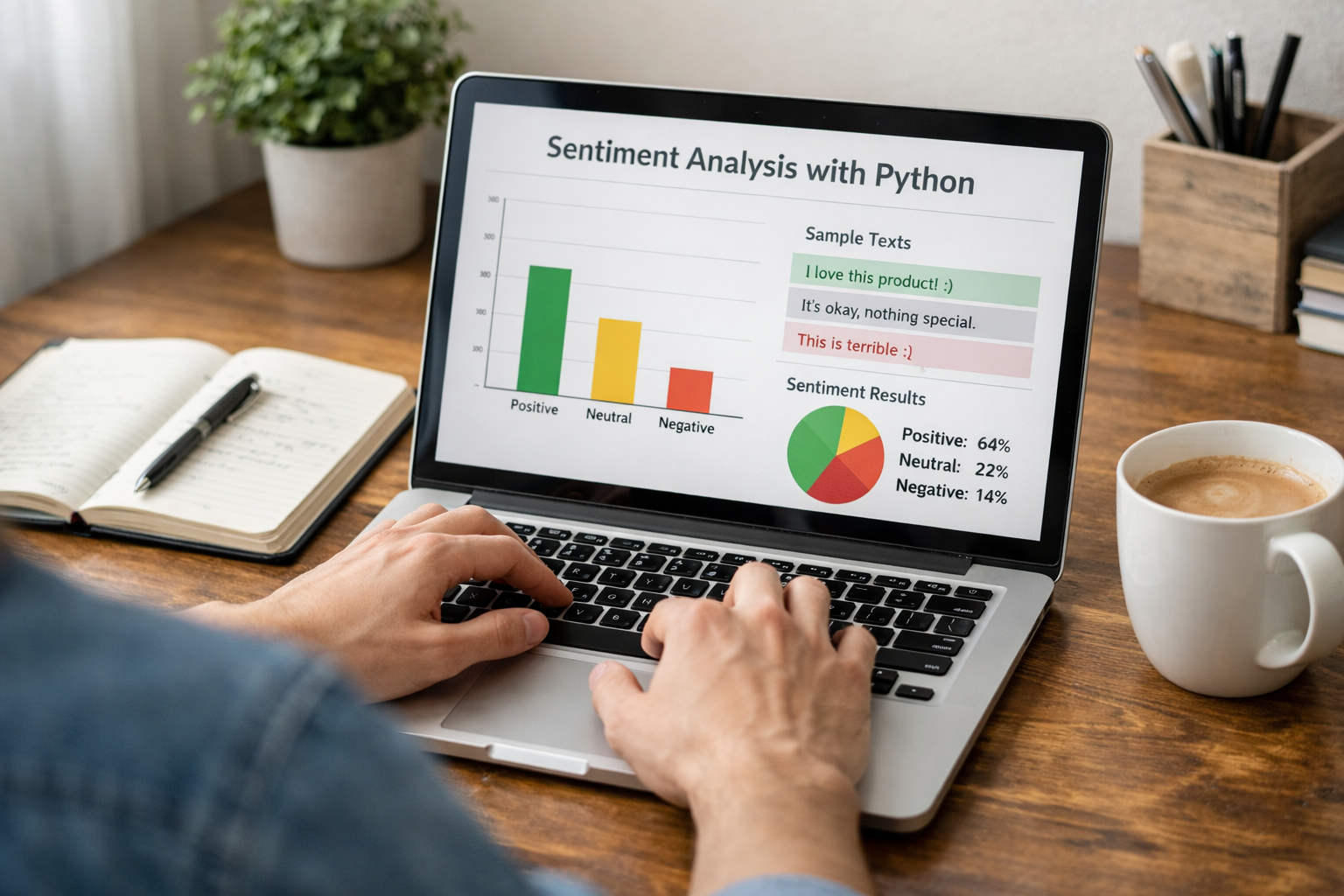
Sentiment analysis is a beginner-friendly AI task where a computer reads text and decides whether the feeling behind it is positive, negative, or neutral. In this sentiment analysis tutorial for beginners with Python, you will learn what sentiment analysis means, why businesses use it, how Python helps, and how to build a very simple version step by step even if you have never coded before.
If you have ever seen product reviews like “I love this phone” or “This service was terrible,” you already understand the basic idea. Sentiment analysis teaches a computer to spot emotional tone in text. Companies use it to analyse customer reviews, social media posts, support messages, and survey responses at scale. Instead of reading 10,000 comments one by one, a program can sort them in seconds.
Sentiment analysis is a type of natural language processing, often shortened to NLP. NLP is the area of AI that helps computers work with human language such as English, Spanish, or Hindi. Sentiment analysis is one specific NLP task.
Think of it like this:
That is the core goal: take a piece of text and assign a label.
Sentiment analysis is one of the best first AI projects because it is easy to understand. You do not need advanced maths to grasp the idea. You can see the result quickly, and the examples are familiar because they come from real language.
It also introduces several foundational data science ideas in a gentle way:
If you want to build AI skills from zero, projects like this are a smart first step. You can also browse our AI courses if you want structured beginner lessons in Python, NLP, and machine learning.
Python is a programming language known for being readable and beginner-friendly. Many AI and data science tools are built for Python, so it has become one of the most popular languages in the field.
Beginners like Python because:
For sentiment analysis, Python lets you start with simple rule-based methods before moving to machine learning later.
At a beginner level, sentiment analysis usually works in one of two ways.
This method uses a list of words with known emotional meaning. For example, words like “great,” “excellent,” and “love” may count as positive. Words like “bad,” “awful,” and “hate” may count as negative.
The program counts these words and decides the overall tone.
This approach is simple and fast, but it has limits. It may struggle with sarcasm, context, or mixed opinions. For example, “The camera is great but the battery is awful” contains both positive and negative sentiment.
This method learns patterns from examples. You give the computer many text samples that already have labels such as positive or negative. The system studies those examples and learns how to classify new text.
This is often more powerful, but it is also a bigger step for beginners. That is why this tutorial starts with a simple rule-based example first.
Let us build a tiny beginner project. The idea is straightforward:
Here is a basic example:
positive_words = ["good", "great", "amazing", "love", "excellent", "happy"]
negative_words = ["bad", "terrible", "awful", "hate", "poor", "sad"]

text = "I love this course. It is amazing and easy to follow."

text = text.lower()
words = text.split()

positive_count = 0
negative_count = 0

for word in words:
    clean_word = word.strip(".,!?")
    if clean_word in positive_words:
        positive_count += 1
    elif clean_word in negative_words:
        negative_count += 1

if positive_count > negative_count:
    print("Positive sentiment")
elif negative_count > positive_count:
    print("Negative sentiment")
else:
    print("Neutral sentiment")
If you run this code, the output should be Positive sentiment.
Let us translate the code into plain English:
This is not a professional-grade system, but it is excellent for learning the basic logic.
You can change the text line and test different examples:
By experimenting with your own sentences, you start to think like a programmer: test, observe, improve.
Beginner projects are useful, but they are not perfect. A word-list method can make mistakes in situations like these:
This is why more advanced systems use machine learning or deep learning. But for a first project, simple rules are a strong starting point because they help you understand the mechanics.
Once you understand the basic idea, you can use a library to do more with less code. A library is a ready-made collection of tools written by other developers.
One beginner-friendly option is TextBlob. It can estimate sentiment for a sentence with just a few lines:
from textblob import TextBlob

text = "I love this course. It is simple and helpful."
blob = TextBlob(text)

print(blob.sentiment)
This usually returns two values:
For example, a polarity of 0.8 suggests strong positive feeling. A polarity of -0.6 suggests negative feeling.
This is closer to how beginners often start real NLP practice: first learn the logic, then try a library, then study machine learning.
Sentiment analysis is not just a classroom exercise. It has real business value.
If a company receives 50,000 reviews each month, even a basic sentiment system can save many hours of manual work.
A beginner sentiment analysis project teaches more than one topic. You also begin learning:
These are practical early skills for anyone exploring a career shift into tech, analytics, or AI. If you are starting from zero, it helps to learn in a guided order rather than jumping between random tutorials. You can view course pricing if you want to compare affordable learning options before committing.
After your first simple script, the next level is to:
The good news is that you do not need to learn everything at once. Start with one small working example. Then improve it step by step.
Sentiment analysis is one of the clearest ways to understand what AI can do with language. With a few lines of Python, you can already build a simple system that reads text and estimates whether it sounds positive, negative, or neutral. That makes it an excellent first project for complete beginners.
If you want a more guided path, with beginner-friendly lessons in Python, NLP, and AI fundamentals, the next step is to register free on Edu AI and explore learning paths at your own pace. You can also browse beginner courses if you want to turn simple tutorials into real, job-relevant skills.




- Learning Evolved.
- Intelligence Amplified.