Computing — April 16, 2026 — Edu AI Team
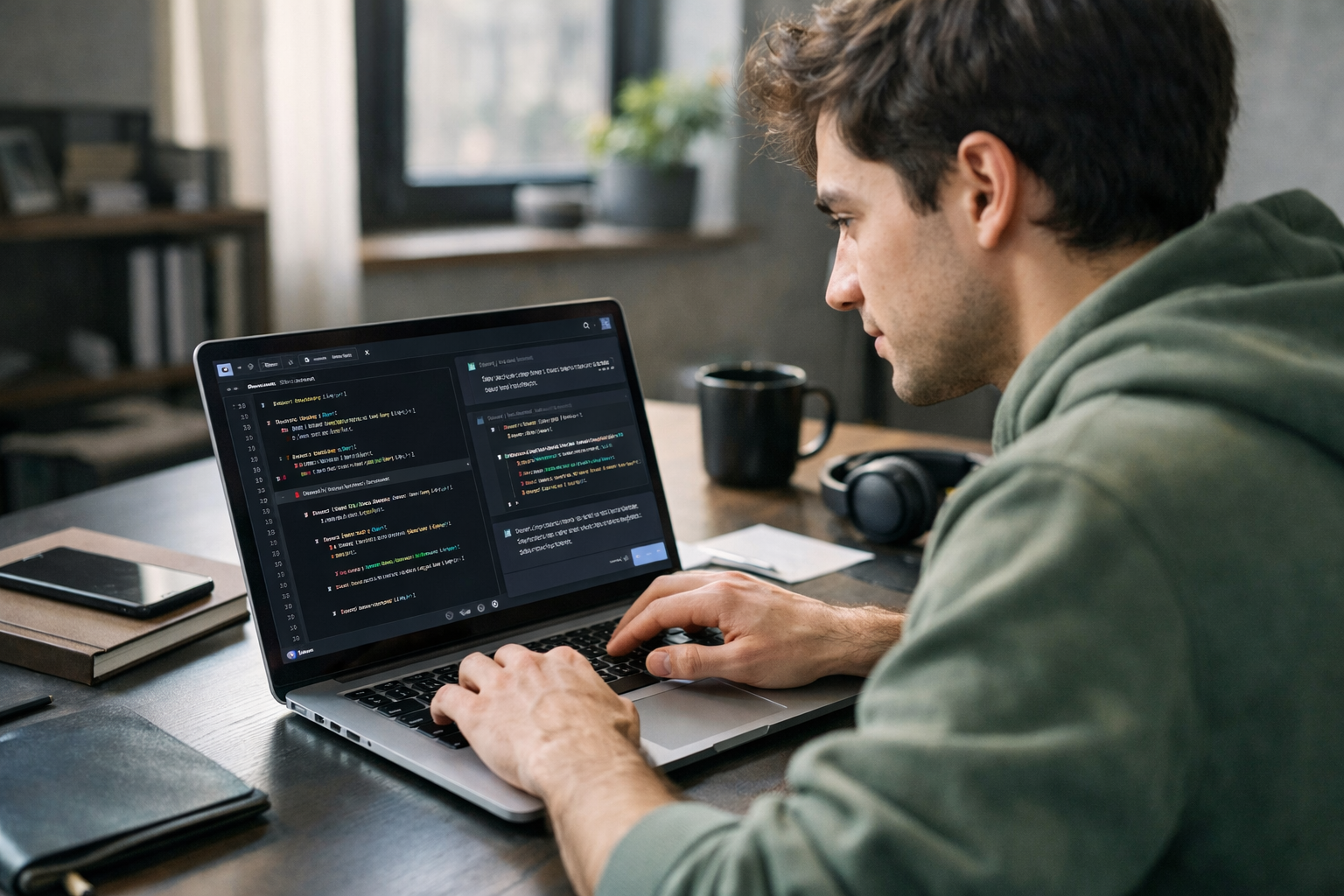
AI pair programming means working with an AI tool, usually powered by an LLM or large language model, while you write software. In simple terms, the developer writes a prompt such as “create a Python function that sorts names alphabetically,” and the AI suggests code, explains errors, writes tests, or improves readability. Developers use LLMs to save time on repetitive tasks, learn faster, and catch mistakes earlier, but they still need to review the output carefully because AI can be wrong.
If you are completely new to this topic, think of it like this: traditional pair programming involves two people sitting together and solving a coding problem. AI pair programming replaces one of those people with an assistant that can read instructions and generate text-based answers, including computer code. It is fast, available 24/7, and helpful for brainstorming, but it does not truly “understand” software the way an experienced engineer does.
An LLM is a type of AI trained on huge amounts of text. It learns patterns in language, which is why it can answer questions, summarize ideas, and generate code that looks like code written by humans. Popular coding assistants are built on these models.
Why can a language model write code at all? Because programming languages like Python, JavaScript, or SQL are also forms of structured text. If the model has seen many examples during training, it can predict what code usually comes next based on your request.
That sounds impressive, but there is an important limit: an LLM predicts likely answers. It does not automatically know whether the code is correct, secure, or the best choice for your project. That is why developers treat it as a helper, not a replacement.
Most developers use AI pair programming inside a code editor, chat tool, or browser window. The workflow is usually simple:
For example, a beginner learning Python might type: “Write a function that counts how many times each word appears in a sentence.” The AI can produce a first version in seconds. Then the learner can ask, “Explain each line like I am new to coding,” which turns the tool into both a coding assistant and a teacher.
This is one reason AI pair programming is growing quickly. It does not just help experts move faster. It also helps beginners get unstuck without waiting for a tutor, forum reply, or teammate.
Starting from a blank page is hard. Many developers use AI to create a rough first draft. This is especially useful for small utility functions, data formatting, file handling, and standard tasks that follow familiar patterns.
For instance, instead of spending 20 minutes searching online for the syntax to read a CSV file in Python, a learner can ask the AI for a short example and then test it.
One of the best uses for beginners is explanation. You can paste code and ask, “What does this do?” or “Explain this to someone with no programming experience.” That makes AI pair programming feel less like auto-complete and more like guided learning.
If you want to build that foundation properly, it helps to browse our AI courses and beginner-friendly computing lessons, where core ideas like Python, machine learning, and prompt writing are taught step by step.
A bug is a mistake in software that causes the wrong result or makes the program crash. Developers often paste an error message into an AI tool and ask for help. The model may spot missing brackets, wrong variable names, or logic mistakes.
This can save a lot of time. But it is not magic. Sometimes the AI explains the wrong issue with great confidence, so testing remains essential.
A test is a small check that confirms whether code works as expected. Good developers do not just write code. They verify it. LLMs are useful for creating basic tests quickly, especially for beginner projects where the goal is to learn how inputs and outputs should behave.
Refactoring means improving code without changing what it does. Developers ask AI to shorten repeated sections, rename unclear variables, or split long functions into simpler parts. This can make code easier to read and maintain.
For a new learner, coding often feels difficult for three reasons: unfamiliar vocabulary, confusing error messages, and uncertainty about where to start. AI pair programming can reduce all three.
Imagine two beginners learning the same topic. One works alone and spends an hour stuck on a basic loop error. The other asks an AI assistant, “Why does this loop never stop?” and gets an answer in seconds. That second learner may still need to think, but the learning loop becomes much faster.
This matters because confidence grows through small wins. When learners can move from “I have no idea what this means” to “I fixed it and understand why,” they are more likely to keep going.
In professional teams, developers also use it to speed up routine work. Even a time saving of 10 to 20 minutes on repeated tasks can add up over a week. But the real gain is often mental energy: less time spent on boilerplate work means more focus on solving the actual problem.
AI pair programming is useful, but not perfect. Beginners should know its weak points early.
Sometimes the AI writes code that looks convincing but does not run properly. This is one of the most important things to remember. Clear-looking output is not the same as correct output.
Security matters in software. An AI tool might recommend shortcuts that expose private data, fail to validate user input, or ignore safer practices. That is why developers should never paste sensitive company data, passwords, or personal information into public AI tools.
If a learner copies and pastes everything without asking why it works, progress slows. AI should support understanding, not replace it. The best habit is to ask follow-up questions like “explain this line,” “show a simpler version,” or “what are the trade-offs here?”
The quality of the answer often depends on the quality of the question. Here is a simple framework:
That is much better than typing only “write code.” Specific prompts usually produce more useful results.
As your skills grow, you can also ask the AI to compare two solutions, explain performance differences, or convert code from one language to another. If you are serious about building these skills from scratch, you can view course pricing and see which learning path fits your goals and budget.
For most people, the short answer is no. AI changes how developers work, but it does not remove the need for human judgment. Real software projects involve planning, understanding users, making trade-offs, checking security, reviewing quality, and deciding what should be built in the first place.
In other words, AI can help write pieces of code, but humans still define the problem and evaluate the result. That is why many experts now describe coding as becoming more about supervision, design, and problem solving, not less.
This also creates an opportunity for career changers. People who learn how to work effectively with AI tools may become more productive, especially if they also understand the basics of programming. You do not need to be an expert on day one. You need a strong foundation and a habit of critical thinking.
These small projects teach a bigger lesson: AI is most helpful when you already know enough to judge the answer. Even a modest foundation makes a big difference.
AI pair programming is best understood by trying it. Start small, ask simple questions, and focus on understanding each answer instead of copying everything blindly. Over time, you will learn when AI is helpful, when it is risky, and how to use it as a genuine learning partner.
If you want a structured path into Python, AI, and beginner-friendly coding, register free on Edu AI to begin learning at your own pace. You can also explore beginner courses designed for complete newcomers who want practical skills without heavy jargon.



- Learning Evolved.
- Intelligence Amplified.