Computing — April 14, 2026 — Edu AI Team
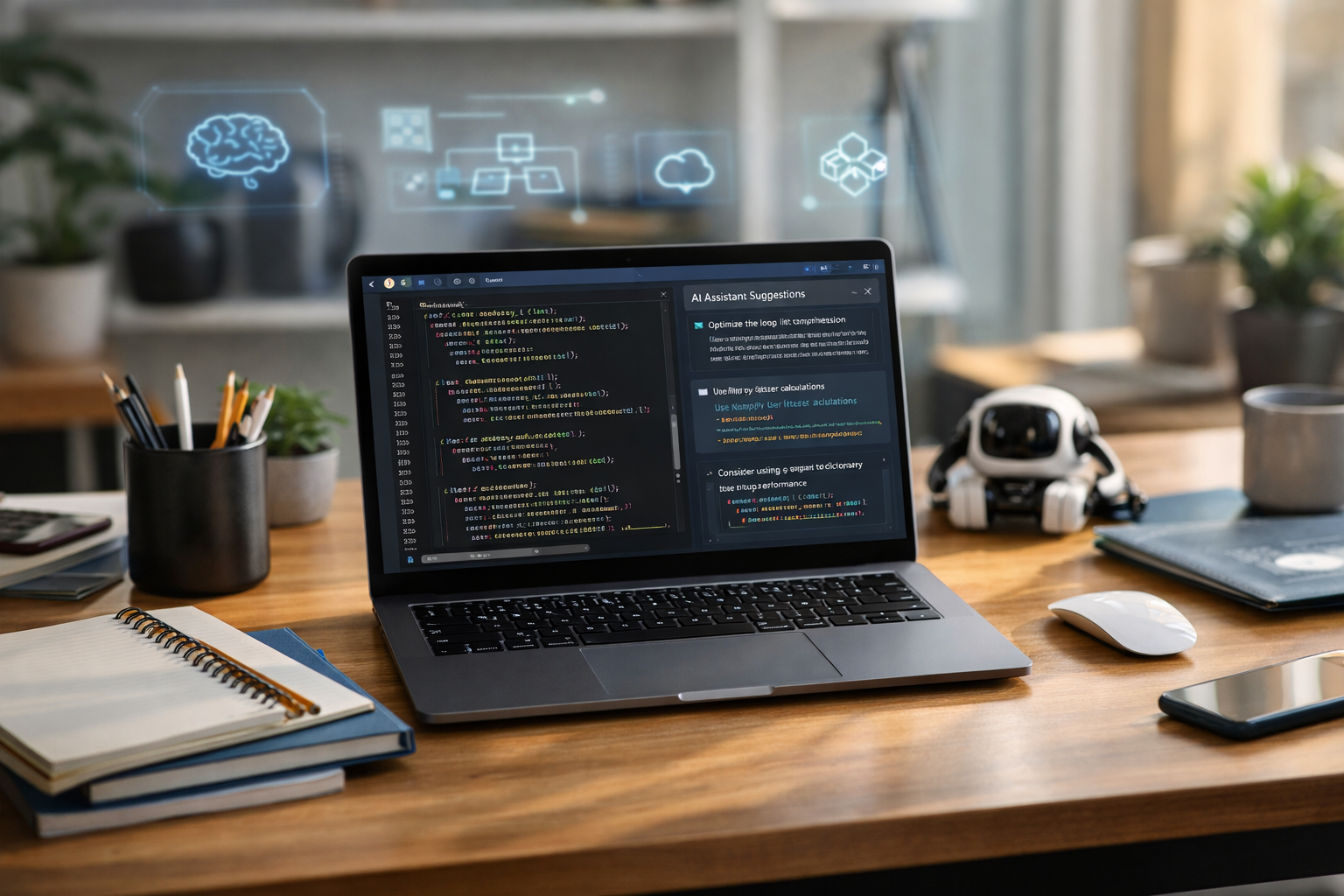
The best AI tools for Python developers in 2026 are the ones that save time on writing code, explain errors in plain English, help with testing, and support learning without overwhelming beginners. For most people, the strongest options are GitHub Copilot for code suggestions, ChatGPT for explanations and debugging help, Codeium for a budget-friendly assistant, Amazon CodeWhisperer for AWS-focused work, Tabnine for privacy-conscious teams, and Cursor for an AI-first coding experience. If you are completely new to Python, the best choice is usually not the most advanced tool, but the one that helps you understand what the code is doing.
In this guide, we will explain what these tools actually do, how they compare, and which ones are best for beginners, students, freelancers, and future AI engineers.
AI tools for Python developers are software products that use artificial intelligence to help people write, fix, test, and understand Python code. Python is a popular programming language used for websites, automation, data analysis, and artificial intelligence itself.
If you are new, think of these tools like a smart assistant sitting beside you while you code. They can:
That does not mean they replace learning. In fact, beginners get the best results when they use AI as a tutor, not as a shortcut.
To make this list useful for real learners, we focused on five simple factors:
GitHub Copilot remains one of the top AI coding assistants because it works inside popular code editors and offers fast suggestions while you type. If you start writing a Python function such as def calculate_total(), it may suggest the rest of the function based on your comments and earlier code.
Beginners who want help writing code faster and intermediate users building real projects.
Best use: ask it to complete small blocks of code, then check each line yourself.
ChatGPT is one of the easiest tools for complete newcomers because you can ask questions in everyday language. For example, you can paste a Python error and ask, “Explain this like I am a beginner.” That makes it extremely useful not just for coding, but for learning.
People learning Python from scratch, career changers, and anyone who needs step-by-step explanations.
If you are just starting your journey, it helps to combine tools like ChatGPT with structured learning. A guided path is often easier than piecing together random tutorials, so you may want to browse our AI courses for beginner-friendly Python and AI learning routes.
Codeium has become popular because it offers strong code completion features at a lower cost than some premium competitors. For new Python developers, that matters. You can get useful AI coding help without a large monthly expense.
Students, hobbyists, and budget-conscious beginners.
Amazon CodeWhisperer is especially useful if your future work may involve AWS, which stands for Amazon Web Services, a major cloud computing platform. Cloud computing means using internet-based servers and services instead of only your own computer.
If you plan to build Python projects that store data, run apps, or connect to cloud services, this tool can be a smart fit.
Future cloud developers, AWS learners, and people building backend Python applications.
Tabnine focuses heavily on business use, team support, and privacy. Some companies prefer tools that can be configured in a more controlled way, especially when working with private code.
Professional teams, businesses, and learners who care about privacy options.
Cursor is an AI-first code editor, which means the AI is built directly into the coding environment rather than added on as a small extra feature. You can ask it to edit files, explain codebases, and help refactor programs. Refactor means improving code structure without changing what the code does.
Developers who want a more modern, AI-centered workflow.
Replit AI is helpful for learners because it runs in the browser. That means you can write and test Python code without a difficult setup process on your computer. For many beginners, removing setup problems saves hours of frustration.
Absolute beginners, students, and people who want to practice Python quickly.
If you are completely new, this simple ranking is a good starting point:
A good beginner workflow looks like this:
This is important. AI tools can speed you up, but they can also slow your learning if you copy everything blindly. To actually improve your Python skills:
This habit matters even more if your goal is a job in AI, machine learning, data science, or software development. Employers want people who can think, not only paste answers.
No, but learning even a little Python first makes AI tools much more useful. Start with the basics: variables, lists, loops, functions, and error messages. Once you understand those building blocks, AI suggestions become easier to judge.
If you want a guided beginner path, it can help to learn through structured lessons rather than random videos. Many learners start by exploring Python, machine learning, and generative AI together through beginner programmes. You can also view course pricing if you want to compare affordable learning options before committing.
For most people, the best AI tools for Python developers in 2026 are not just the ones that write code fastest. The real winners are the tools that help you understand, practice, and improve.
If you want one simple recommendation:
The best long-term strategy is to pair AI tools with real skill-building in Python, data, and AI foundations. That approach gives you both speed and understanding.
If you are ready to move beyond tools and build real skills, the next step is simple: learn Python and AI in a structured, beginner-friendly way. Edu AI offers accessible courses for newcomers in Python, machine learning, deep learning, natural language processing, computer vision, and generative AI. If you want to begin today, you can register free on Edu AI and explore a path that grows with your goals.



- Learning Evolved.
- Intelligence Amplified.