3D & Design — March 7, 2026 — Edu AI Team
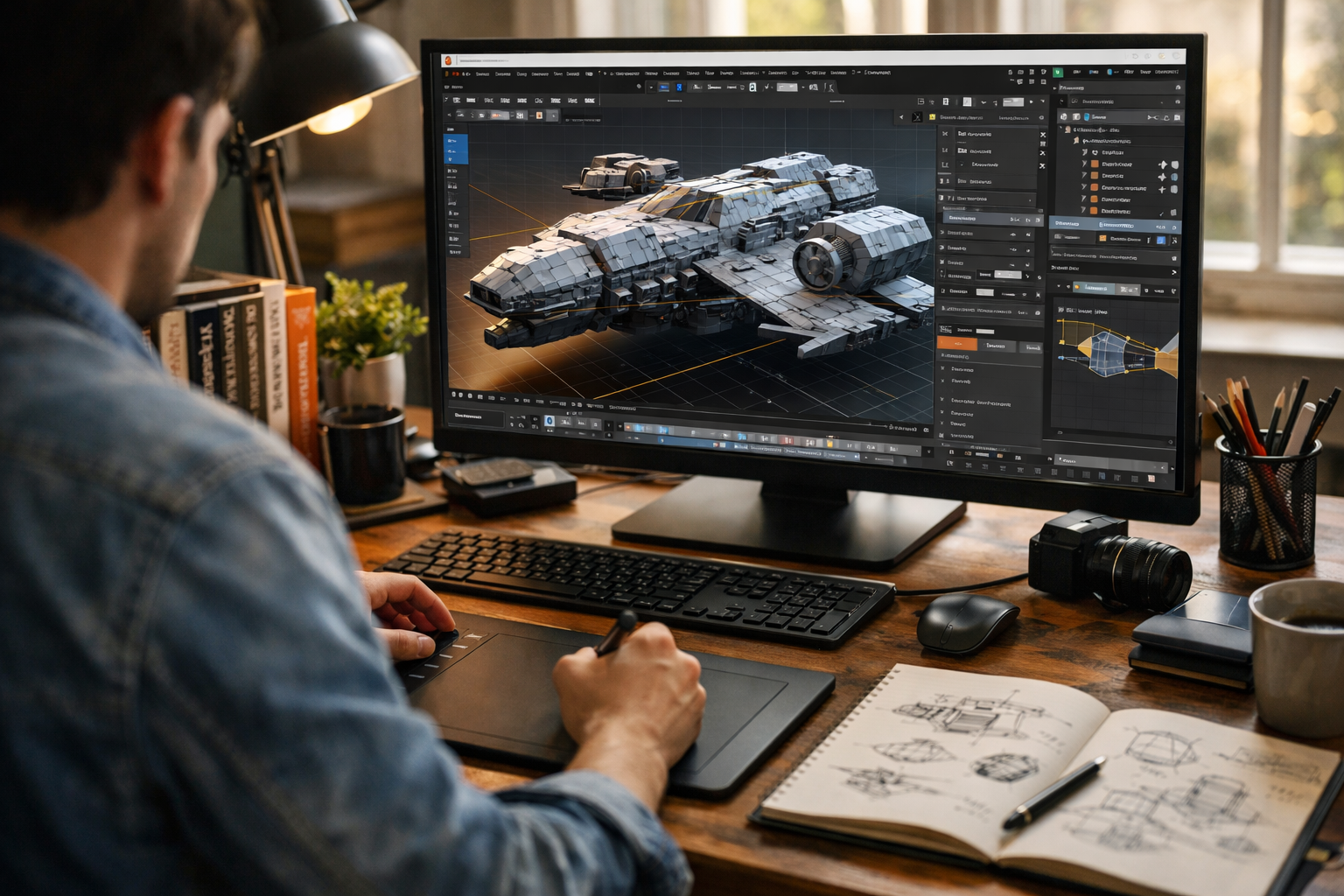
3D design is no longer limited to big studios or expensive universities. Today, anyone with a laptop and internet connection can start building professional-level skills. Whether you want to create game assets, product visualizations, animations, or architectural models, there are powerful tools and training materials available at no cost.
In this guide, we break down the best free resources to learn 3D design online, including software, structured courses, YouTube channels, communities, and practice platforms. We’ll also show you how to turn free learning into real-world, job-ready skills.
3D design is one of the most in-demand digital skills across multiple industries:
With free tools like Blender now rivaling paid software, the barrier to entry has never been lower. What matters most is structured practice and access to high-quality learning resources.
Best for: Beginners to advanced users
Cost: 100% free and open-source
Blender is the most powerful free 3D design software available today. It supports:
The official Blender website provides extensive free documentation, beginner tutorials, and demo files. Their step-by-step guides are reliable, up-to-date, and beginner-friendly.
If you want structured, AI-guided progression instead of scattered tutorials, you can also explore our courses for guided 3D Graphics & Blender learning paths.
Best for: Visual learners and project-based practice
YouTube remains one of the best free resources to learn 3D design online. The key is following high-quality creators who teach fundamentals—not just quick effects.
Pro Tip: Don’t just watch. Follow along, pause frequently, and rebuild projects from memory after completing them.
Best for: Academic-style structured learning
Cost: Free to audit (certificate optional)
Major universities offer introductory 3D graphics and computer graphics courses through platforms like Coursera and edX. While certificates often cost money, you can access lecture materials for free in audit mode.
Look for courses in:
This option is ideal if you prefer a classroom-style structure and theory-backed learning.
Best for: Learning through reverse engineering
One of the fastest ways to improve is by analyzing professional models. Platforms like Sketchfab and Poly Haven offer free, downloadable 3D assets and HDRI lighting environments.
You can:
Reverse engineering is a powerful (and free) learning strategy used by professionals.
Best for: Feedback and improvement
Communities accelerate learning. Free forums and Discord groups allow you to:
Look for active Blender and 3D modeling communities. Constructive critique is often the difference between hobby-level work and professional-quality output.
Best for: Building a portfolio
Learning theory is important—but 3D design is skill-based. You improve by building.
Try this free project roadmap:
Each completed project becomes part of your portfolio. Employers and clients care far more about what you can create than which tutorials you watched.
Best for: Realistic rendering practice
High-quality textures dramatically improve your renders. Free platforms like Poly Haven and ambientCG provide:
Learning how materials interact with light is essential for photorealism.
Having access to the best free resources to learn 3D design online is only half the battle. You need structure.
Spend your first week learning navigation, object manipulation, modifiers, and basic rendering.
Understand nodes, shaders, and three-point lighting setups.
Learn keyframes, timelines, and simple object animation.
Build 3–5 polished pieces. Quality beats quantity.
If you prefer a guided system that adapts to your skill level, you can register free and explore AI-powered learning paths designed to accelerate your progress.
Consistency matters more than intensity. One focused hour per day beats occasional long sessions.
Yes—but only if you build a strong portfolio.
Many professional 3D artists are self-taught using free tools and online resources. What employers evaluate:
Certificates matter less than demonstrated skill.
Free resources are excellent for starting out. However, you may benefit from structured courses when:
Platforms like Edu AI combine structured lessons with AI-powered support, helping you move from beginner to advanced faster than self-guided learning alone.
The best free resources to learn 3D design online give you everything you need to start: powerful software, expert tutorials, real assets, and active communities. What separates successful learners from frustrated beginners is structure, consistency, and project-based practice.
Start with Blender. Follow high-quality tutorials. Build small projects. Seek feedback. Improve one skill at a time.
And if you’re ready to turn free learning into professional-level mastery, explore our courses or register free to begin your guided 3D journey today.
Your first 3D model starts now.

- Learning Evolved.
- Intelligence Amplified.