3D & Design — March 9, 2026 — Edu AI Team
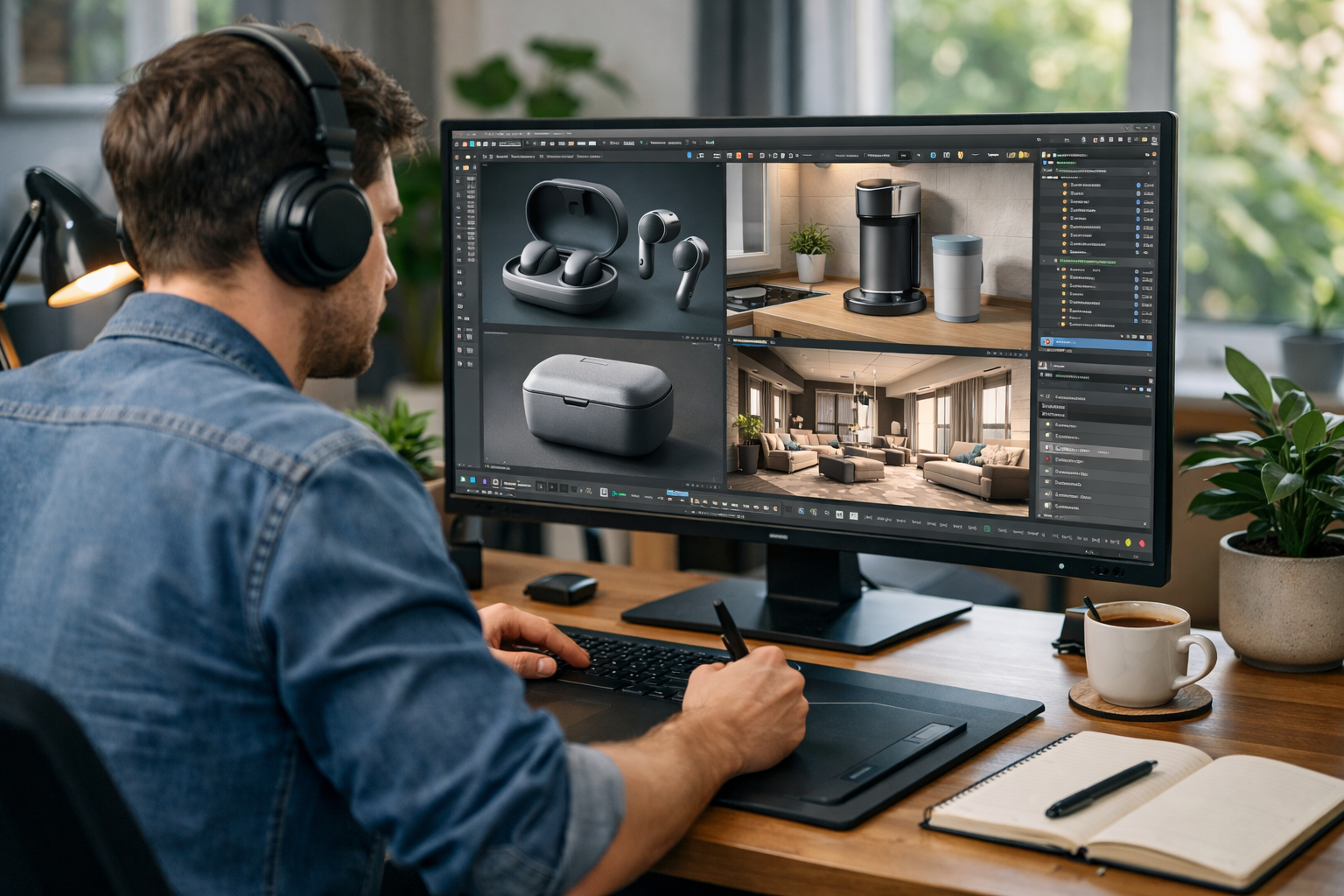
If you want to land a role as a 3D artist, visual designer, or Blender specialist, your portfolio matters more than your CV. Recruiters and hiring managers don’t just read about your skills — they want proof. That’s why learning how to build a 3D design portfolio for jobs is one of the most important steps in your creative career.
In this complete guide, you’ll learn exactly what to include, how to structure your projects, which platforms to use, and how to make your portfolio stand out in a competitive job market.
In creative industries, your work speaks louder than your qualifications. Employers hiring for roles in gaming, animation, product visualization, architecture, or advertising want to see:
A strong portfolio shows that you can deliver real-world results. Even if you’re self-taught or transitioning careers, a powerful 3D design portfolio can open doors faster than formal credentials.
Before you start uploading renders, decide what kind of job you want. A portfolio for a 3D character artist should look very different from one for a product visualization designer.
Once you choose a direction, tailor every project toward that niche. Employers prefer focused portfolios over general collections.
When learning how to build a 3D design portfolio for jobs, one of the biggest mistakes beginners make is including too many projects. Quality always beats quantity.
Aim for 5–8 polished pieces that demonstrate:
If a project looks unfinished or rushed, leave it out. One weak piece can lower the perceived quality of your entire portfolio.
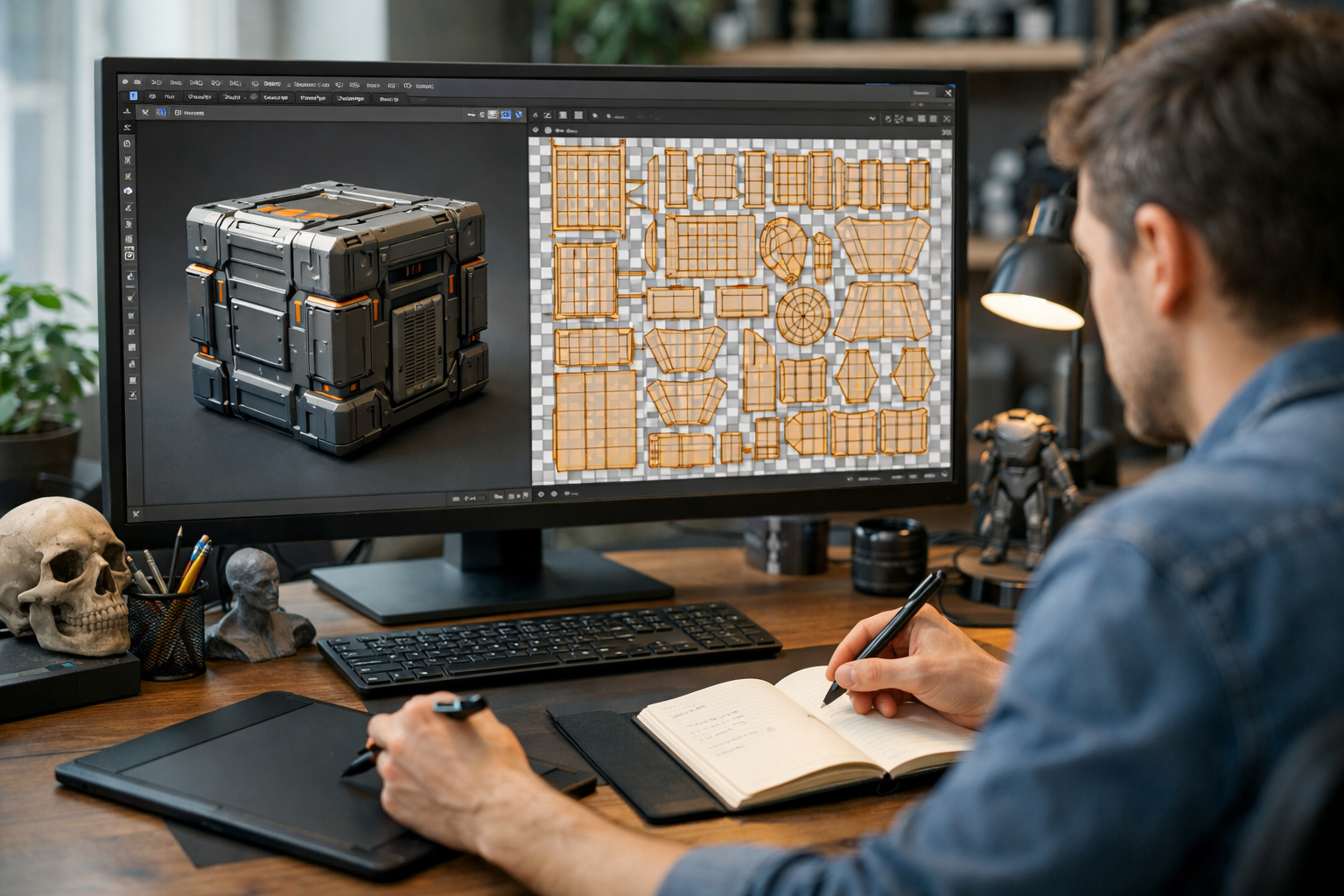
Recruiters love to see how you think. Instead of only showing the final image, include:
This demonstrates technical understanding and proves the work is genuinely yours.
If you're building your skills in Blender or 3D graphics, structured learning can help you create portfolio-ready projects faster. Explore our courses to develop industry-level 3D workflows.
Every project should include a short description (100–200 words) explaining:
This shows communication skills and professional maturity. Hiring managers want designers who can explain their creative decisions clearly.
Where you host your 3D design portfolio matters. Popular platforms include:
For job applications, a clean personal website often looks more professional. However, ArtStation is highly respected in gaming and VFX industries.
Pro tip: Always use a simple URL with your name (e.g., yourname3d.com).
When learning how to build a 3D design portfolio for jobs, think from the recruiter’s perspective. They might spend less than two minutes reviewing your work.
Don’t save your strongest project for last. Lead with it. First impressions are critical.
Employers love practical projects. Consider including:
Even self-initiated projects can look professional if presented as client-style briefs.
Your portfolio is only as strong as your skills. Mastering tools like Blender, lighting techniques, rendering engines, and composition principles will dramatically improve your results.
If you’re serious about building job-ready skills, consider structured training. At Edu AI, we offer AI-powered learning experiences designed to accelerate your progress in 3D graphics and beyond. You can register free and start building portfolio-quality projects immediately.
Your portfolio should evolve. As your skills improve, delete older projects that no longer reflect your level.
Professional artists often refresh their portfolios every 6–12 months.
Remember: recruiters can easily spot generic tutorial work. Always add your own creative twist.
You don’t need client work to build a strong 3D design portfolio. Create self-directed projects based on:
Many successful 3D artists got hired purely based on personal projects that demonstrated skill and creativity.
The 3D industry is becoming more competitive, especially with AI-assisted tools speeding up workflows. To stand out:
Employers value artists who combine creativity with modern workflows.
Learning how to build a 3D design portfolio for jobs is about more than uploading renders. It’s about strategic presentation, clarity, quality, and relevance. A focused, polished portfolio tailored to your desired role can dramatically increase interview callbacks and freelance opportunities.
Start small, improve consistently, and refine your best work. With the right skills and presentation, your 3D design portfolio can become your most powerful career asset.

- Learning Evolved.
- Intelligence Amplified.