3D & Design — March 8, 2026 — Edu AI Team
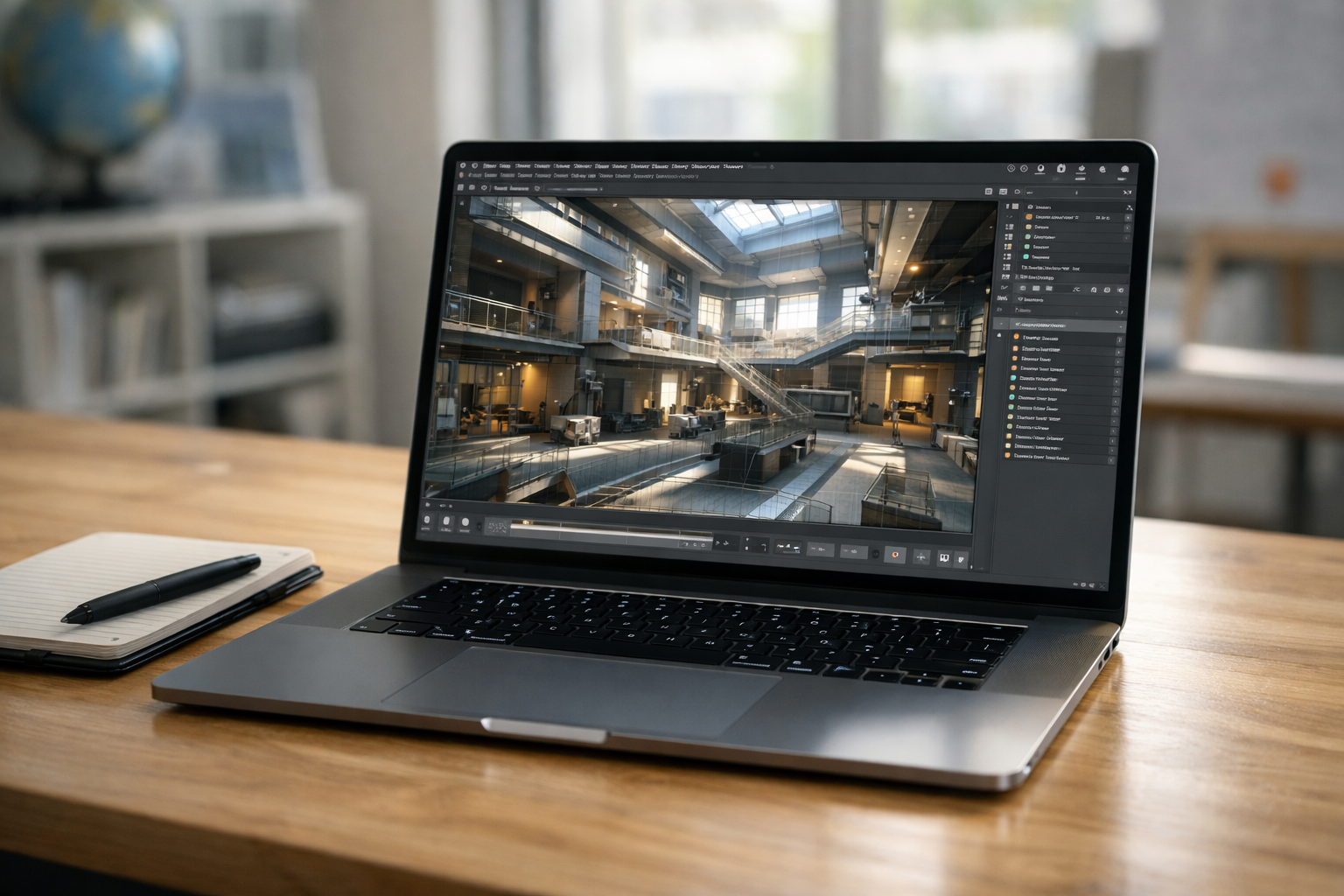
Choosing the best laptops for 3D modelling and rendering in 2026 is no longer just about picking the most expensive machine. Modern 3D workflows in Blender, Maya, 3ds Max, Cinema 4D, and Unreal Engine demand a careful balance of CPU power, GPU performance, RAM capacity, storage speed, and thermal efficiency.
Whether you are a student learning 3D design or a professional working on complex animation and visual effects, this guide will help you understand exactly what to look for — and which laptops are leading the market in 2026.
3D modelling and rendering are hardware-intensive tasks. Your laptop must handle:
Let’s break down the essential components.
In 2026, GPU rendering dominates 3D workflows. Tools like Blender Cycles, Octane, Redshift, and Unreal Engine rely heavily on dedicated graphics cards.
Recommended GPUs:
For serious rendering work, aim for at least 8GB VRAM, though 12GB–16GB is ideal for large scenes and 4K textures.
While GPU handles rendering, the CPU powers simulations, modifiers, baking, and multitasking.
Look for:
Minimum: 8 cores. Recommended: 14–24 cores for complex workflows.
In 2026, 32GB RAM is the new standard for professional 3D artists. Large Blender scenes and Unreal Engine projects can easily exceed 20GB usage.
Choose NVMe Gen 4 or Gen 5 SSDs. Large project files load dramatically faster with high-speed storage.
For texture work and animation:
Best Overall for 3D Artists
The ProArt Studiobook series remains a favorite among professionals. Equipped with NVIDIA RTX 4080 or 4090 GPUs, high-core-count CPUs, and color-accurate OLED displays, it handles complex rendering tasks with ease.
Why it stands out:
Ideal for Blender professionals, architectural visualization, and VFX work.
Best Premium Performance
Originally known for gaming, the Razer Blade 16 has evolved into a powerful mobile workstation. It offers exceptional GPU performance in a sleek design.
Perfect for artists who need portability without sacrificing performance.
Best for macOS Users
Apple Silicon continues to improve GPU performance and energy efficiency. The M3 Max and M4 Max chips provide impressive real-time rendering and smooth viewport performance in Blender and Cinema 4D.
Best suited for creators within the Apple ecosystem.
Best Value for Power
If you want high-end rendering performance at a more competitive price, the Legion Pro 7i offers excellent GPU power and strong cooling.
Great for students and freelancers building serious 3D portfolios.
Best Professional Workstation
Dell’s Precision line includes workstation-grade RTX GPUs and ISV certifications for software like Autodesk Maya and SolidWorks.
Ideal for studio environments and engineering workflows.
For GPU rendering engines like Cycles or Redshift, the graphics card matters more than the CPU.
Thin laptops may throttle under heavy rendering loads. Always check thermal reviews.
Large scenes can easily crash systems with limited memory.
If you work mostly at home, a desktop workstation may provide better value and upgrade flexibility. However, laptops are ideal for:
Having powerful hardware is only part of the equation. Mastering tools like Blender requires structured learning and guided practice.
At Edu AI, we offer AI-powered 3D graphics courses designed for beginners and professionals alike. Explore our courses to accelerate your learning with hands-on projects and expert guidance.
New to 3D modelling? You can register free and start building your skills today.
The best laptops for 3D modelling and rendering in 2026 combine high-end RTX GPUs, at least 32GB RAM, fast NVMe storage, and effective cooling systems.
If budget allows, choose an RTX 4080 or 4090 laptop for long-term performance. If you are a student, an RTX 4060 or 4070 system offers excellent value while still handling complex projects.
Ultimately, your choice should match your workflow complexity, portability needs, and software ecosystem. Invest wisely — your laptop is your primary creative engine.
With the right machine and proper training, you can build cinematic renders, immersive environments, and professional 3D portfolios that stand out in 2026 and beyond.

- Learning Evolved.
- Intelligence Amplified.