3D & Design — March 8, 2026 — Edu AI Team
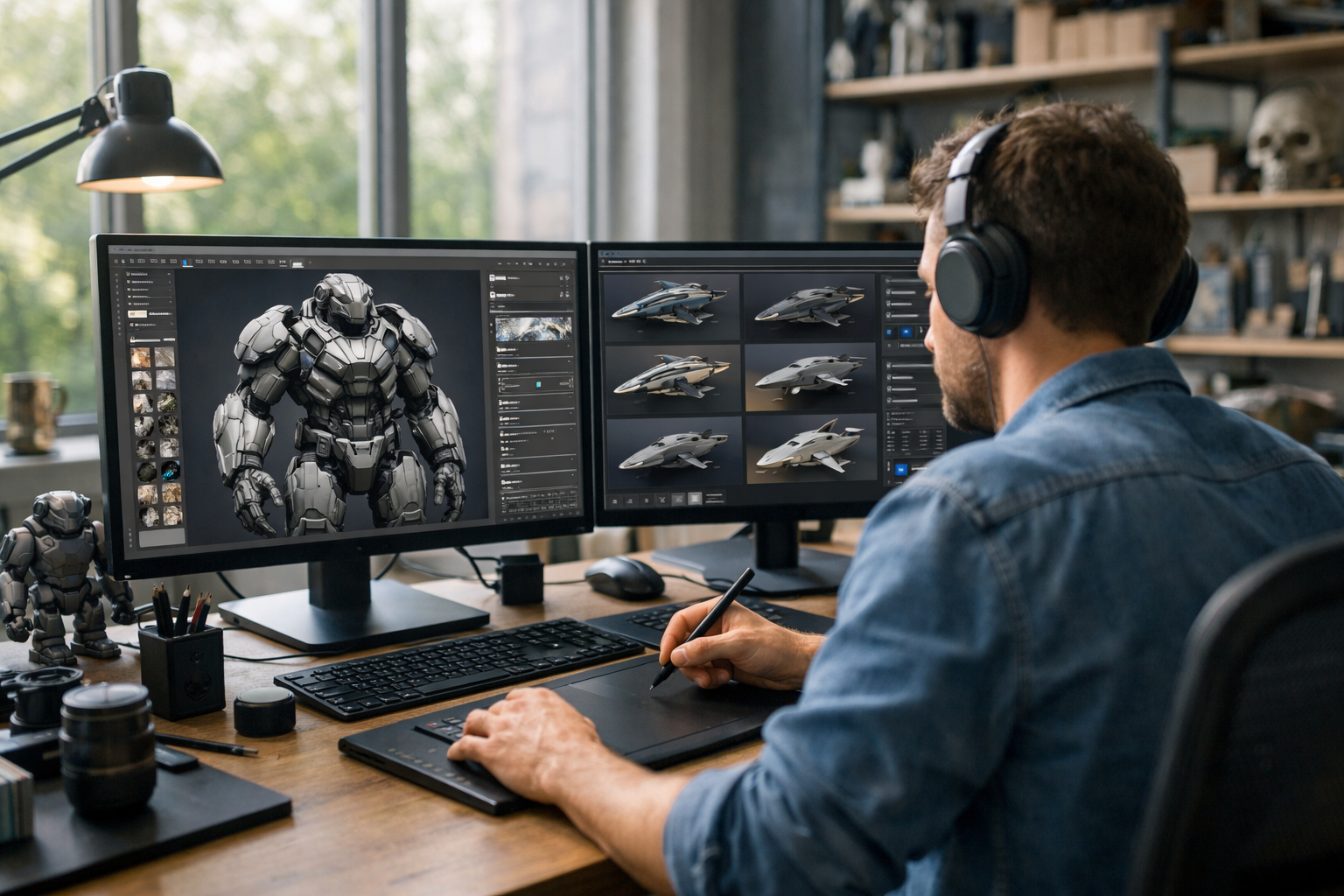
The integration of artificial intelligence into creative industries is no longer experimental—it is practical, measurable, and transformative. Today, understanding how 3D designers use AI tools in their workflow is essential for anyone entering 3D graphics, animation, game development, or product visualization.
AI does not replace creative professionals. Instead, it enhances productivity, accelerates repetitive processes, and unlocks new forms of experimentation. From concept generation to final rendering, AI tools are becoming a standard part of the modern 3D pipeline.
Traditionally, a 3D workflow includes several stages:
Each stage requires technical skill and time. AI tools now assist at nearly every step, helping designers work faster while maintaining creative control. Let’s examine exactly how 3D designers use AI tools in their workflow at each stage.
The creative process often begins with ideation. Designers need references, mood boards, and visual direction before building models. AI image generation tools can produce rapid concept variations based on text prompts.
Instead of spending hours sketching rough drafts, designers can generate multiple visual directions instantly. These outputs are rarely final assets, but they dramatically accelerate brainstorming.
For students learning 3D design, combining generative AI with structured modeling practice—like the programs offered in our courses—builds both creative thinking and technical skill.
Modeling is one of the most time-intensive parts of 3D design. AI tools now assist in mesh generation, retopology, and shape refinement.
For example, designers can generate a rough 3D object from a text prompt or 2D image, then refine it manually in Blender or other software. This hybrid workflow—AI for structure, human for precision—saves hours of repetitive base modeling.
Importantly, professional designers still adjust topology, proportions, and edge flow. AI accelerates the starting point, but expertise ensures production-ready quality.
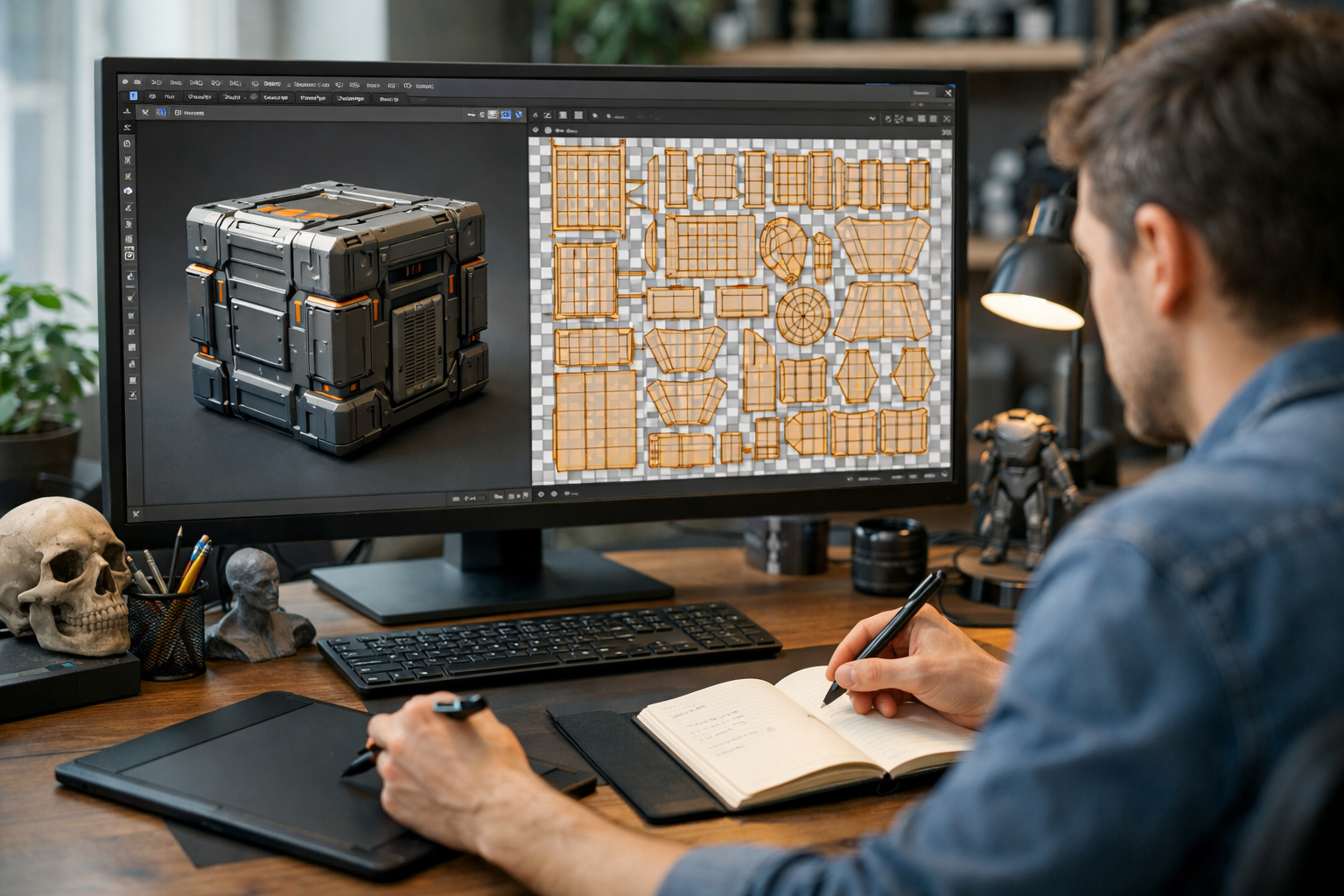
Texturing used to require manual painting or sourcing high-resolution texture maps. Today, AI simplifies material creation dramatically.
AI-powered tools can transform a simple description like “weathered industrial metal” into multiple physically based rendering (PBR) maps, including albedo, roughness, and normal maps. Designers then refine and adjust them inside their 3D software.
This significantly reduces dependency on large texture libraries and speeds up asset production for games, architecture, and product visualization.
Rigging and animation are technically demanding and time-consuming tasks. AI systems now assist with automatic rig generation and motion capture processing.
A designer can record simple video footage and use AI to extract motion data for a 3D character. Instead of manually keyframing every movement, the designer refines AI-generated animation curves.
This is especially valuable in indie game development and small studios where time and budget are limited.
Lighting dramatically affects realism and emotional tone. AI tools now assist with intelligent light placement and render optimization.
AI denoisers allow artists to render at lower sample rates while maintaining high-quality output. This reduces rendering time significantly, especially for complex scenes.
Instead of waiting hours for noise-free results, designers can iterate quickly and experiment more freely.
After rendering, AI continues to play a role in compositing and enhancement.
AI-powered upscaling tools can increase resolution without significant quality loss, making assets suitable for marketing or large displays.
Understanding how 3D designers use AI tools in their workflow reveals several major advantages:
Repetitive tasks like retopology, denoising, and texture generation become significantly faster.
AI enables rapid experimentation. Designers can explore ideas they might not have attempted manually.
Beginners can produce higher-quality results earlier in their learning journey.
Studios increasingly expect familiarity with AI-assisted workflows.
Learning these tools early gives designers a measurable advantage in freelance markets and job applications.
AI lacks artistic judgment, storytelling ability, and contextual understanding. It assists—but does not replace—creative decision-making.
AI is a tool, similar to procedural modifiers or physics simulations. Professional workflows evolve with technology.
In reality, strong fundamentals in modeling, lighting, and composition are even more important. AI outputs require refinement and correction.
To effectively integrate AI into your workflow, focus on developing:
At Edu AI, students combine technical mastery with AI integration through structured programs in 3D graphics, Blender, and artificial intelligence. If you're ready to build future-proof skills, you can register free and start learning today.
The next phase of development will likely include:
As tools mature, workflows will become increasingly hybrid: part human artistry, part machine acceleration. Designers who understand both creative principles and AI systems will lead the industry.
So, how 3D designers use AI tools in their workflow ultimately comes down to one principle: augmentation, not automation. AI handles repetitive, technical, and data-heavy tasks. Designers focus on vision, storytelling, and refinement.
Whether you are a beginner exploring Blender or an advanced artist optimizing studio pipelines, integrating AI thoughtfully can significantly enhance your efficiency and creative potential.
If you want to master 3D design, AI integration, and modern digital workflows, explore our courses and start building the skills that define the future of creative technology.

- Learning Evolved.
- Intelligence Amplified.