3D & Design — March 8, 2026 — Edu AI Team
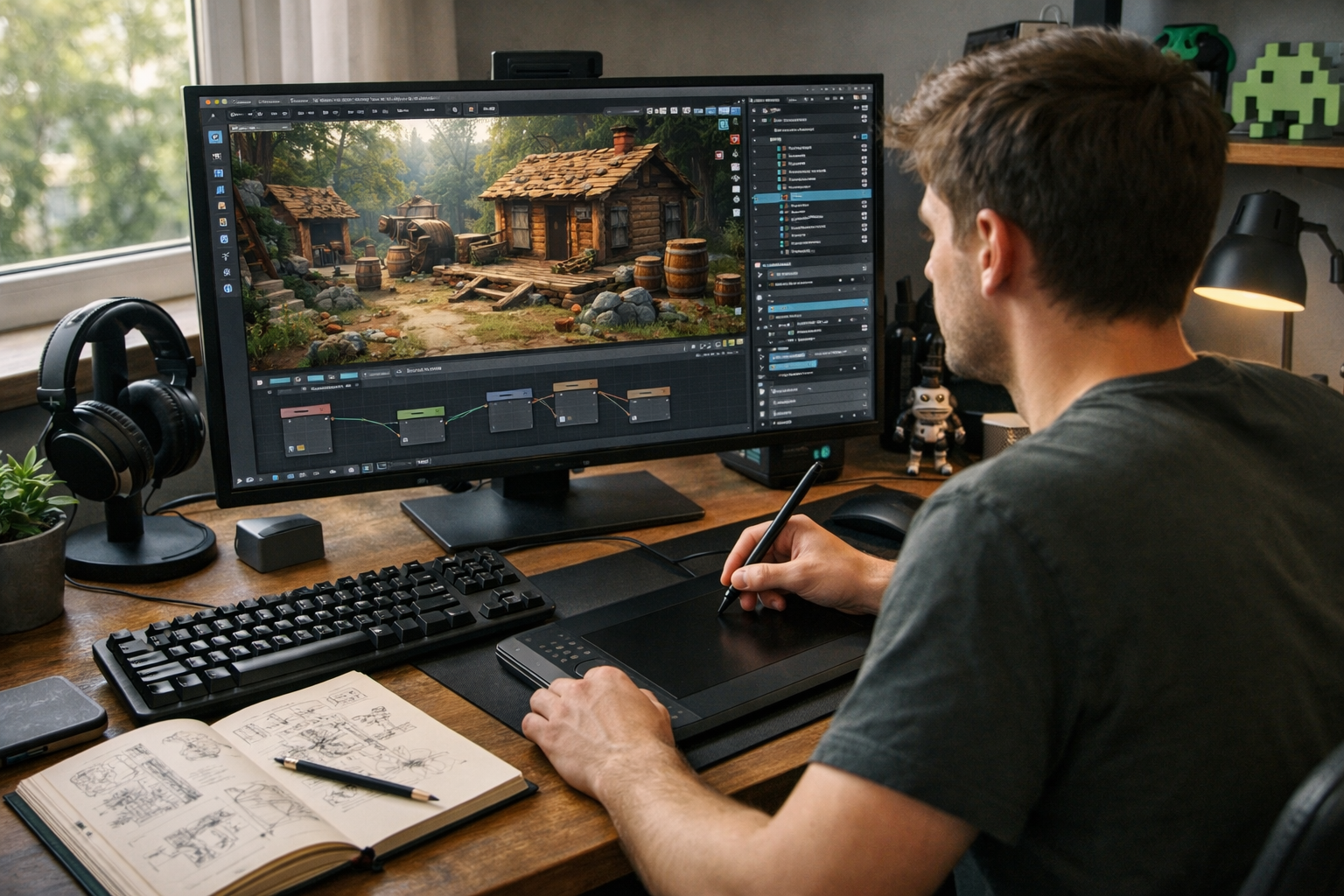
Game asset creation in 2026 is more accessible, competitive, and exciting than ever before. With powerful free tools, AI-assisted workflows, and global marketplaces, aspiring creators can build professional-quality 3D models, textures, animations, and environments from their own home.
If you’re searching for game asset creation: how to get started in 2026, this guide will give you a clear, practical roadmap. You’ll learn what skills matter most, which tools to use, how AI is changing the industry, and how to build a portfolio that gets noticed.
Game asset creation involves designing and producing the visual and interactive elements used in video games. These assets include:
In 2026, asset creation spans indie mobile games, VR/AR experiences, AAA productions, and even metaverse-style virtual worlds. Skilled asset creators are in demand across gaming, simulation, film, and advertising.
There has never been a better time to enter this field. Here’s why:
Blender, Unreal Engine, and Unity provide studio-level capabilities at zero cost. Blender in particular has become a dominant tool for modeling, sculpting, UV mapping, rigging, and rendering.
AI tools now help generate textures, concept art, base meshes, and even procedural environments. Instead of replacing artists, AI speeds up repetitive tasks and allows creators to focus on design and storytelling.
Platforms like Unreal Marketplace, Unity Asset Store, and Sketchfab allow creators to sell assets directly to developers worldwide.
Studios hire globally, and many asset creators work freelance. A strong portfolio matters more than location.
To succeed in game asset creation, focus on mastering these fundamentals:
Learn both low-poly and high-poly modeling techniques. Game-ready assets must be optimized for performance while maintaining visual quality.
Understanding PBR (Physically Based Rendering) workflows is essential. You should know how to create realistic materials using texture maps such as:
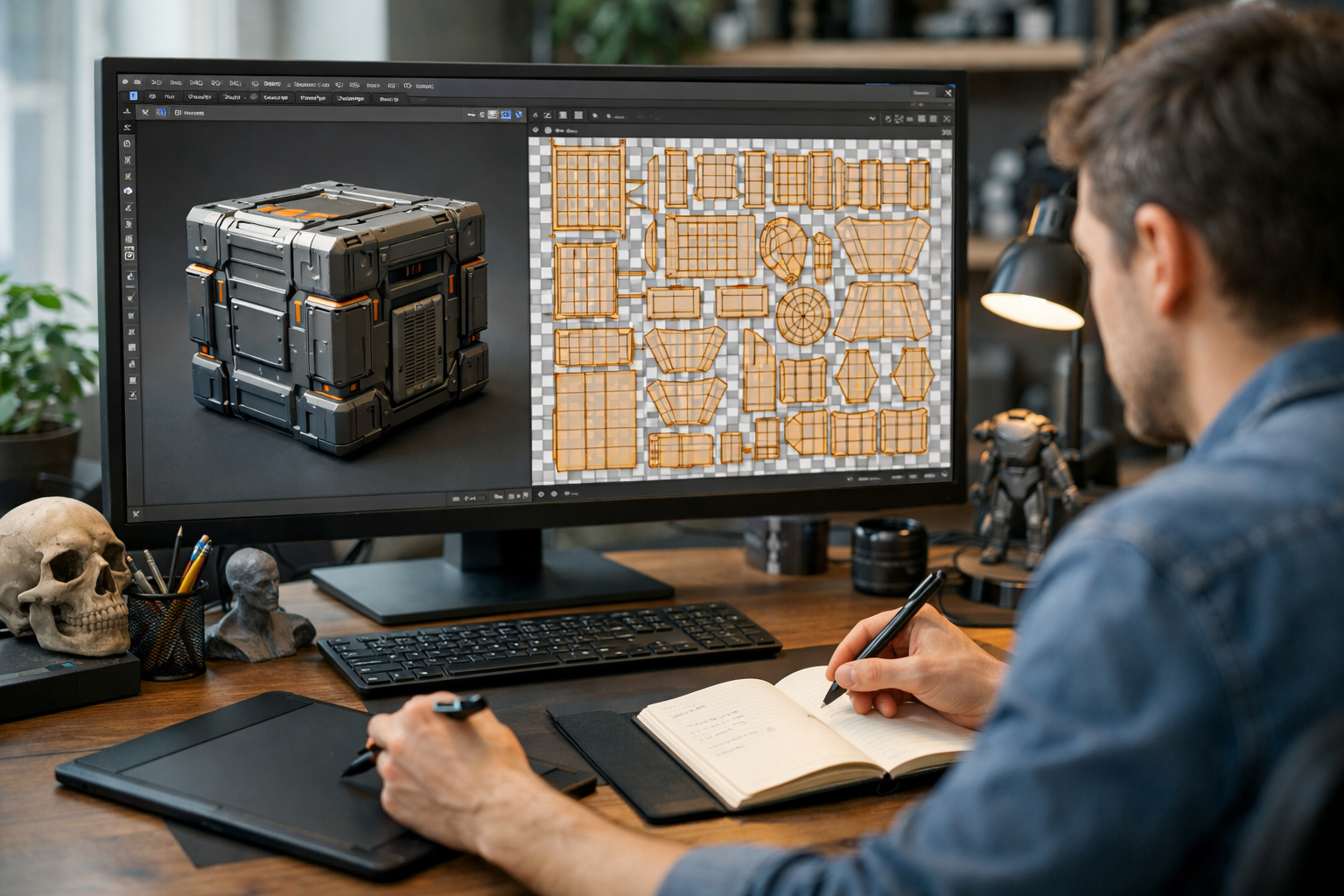
Clean UVs ensure textures display correctly and efficiently. Poor UV layouts can ruin otherwise strong models.
Even if you specialize in modeling, understanding rigging and animation improves your versatility.
Games require performance efficiency. Learn polygon budgets, LODs (Levels of Detail), and texture optimization.
In 2026, knowing how to use AI tools responsibly is a competitive advantage. This includes AI texture generation, procedural modeling assistance, and prompt engineering for concept art.
If you want structured guidance, explore our courses in 3D Graphics, Blender, and AI-powered workflows.
For beginners, Blender is the best starting point. It’s free, industry-recognized, and constantly updated.
Install Blender and focus on:
Download Unreal Engine or Unity. Understanding how assets function inside a real engine will shape how you model and optimize.
Practice:
Instead of creating a full character on day one, begin with simple props:
Small, polished assets build confidence and foundational skill.
Combine props into small scenes, such as:
Studios prefer artists who understand composition and cohesion, not just isolated models.
Use AI to:
However, always refine results manually. Employers value craftsmanship, not shortcuts.
Your portfolio is your resume. In 2026, hiring managers care less about degrees and more about demonstrated skill.
Quality always beats quantity.
Once skilled, you can pursue multiple directions:
Freelancers can earn by selling asset packs, offering commission work, or partnering with indie developers.
AI is transforming workflows in 2026, but it is not replacing skilled artists.
AI can generate rapid variations of textures or concept art, reducing production time.
Tools now assist with terrain generation, foliage scattering, and smart retopology.
The best creators combine artistic fundamentals with AI efficiency. Those who ignore AI risk falling behind.
To future-proof your career, consider combining 3D design with AI and programming fundamentals. You can register free to start learning immediately.
Strong fundamentals in modeling, lighting, and composition remain the foundation of success.
Here’s a realistic roadmap for beginners:
Consistency matters more than intensity. Even 60–90 minutes daily can produce impressive results in six months.
Game asset creation in 2026 rewards creators who combine artistic skill, technical knowledge, and AI literacy. The tools are powerful. The barriers are low. The opportunity is global.
If you’ve been waiting for the “perfect time,” this is it. Start with Blender, build small assets, learn optimization, and steadily grow your portfolio.
Most importantly, treat this as a long-term skill investment. With structured learning, consistent practice, and the right guidance from our courses, you can move from beginner to professional faster than ever before.
Your first asset doesn’t need to be perfect. It just needs to be created.

- Learning Evolved.
- Intelligence Amplified.