Computing — April 15, 2026 — Edu AI Team
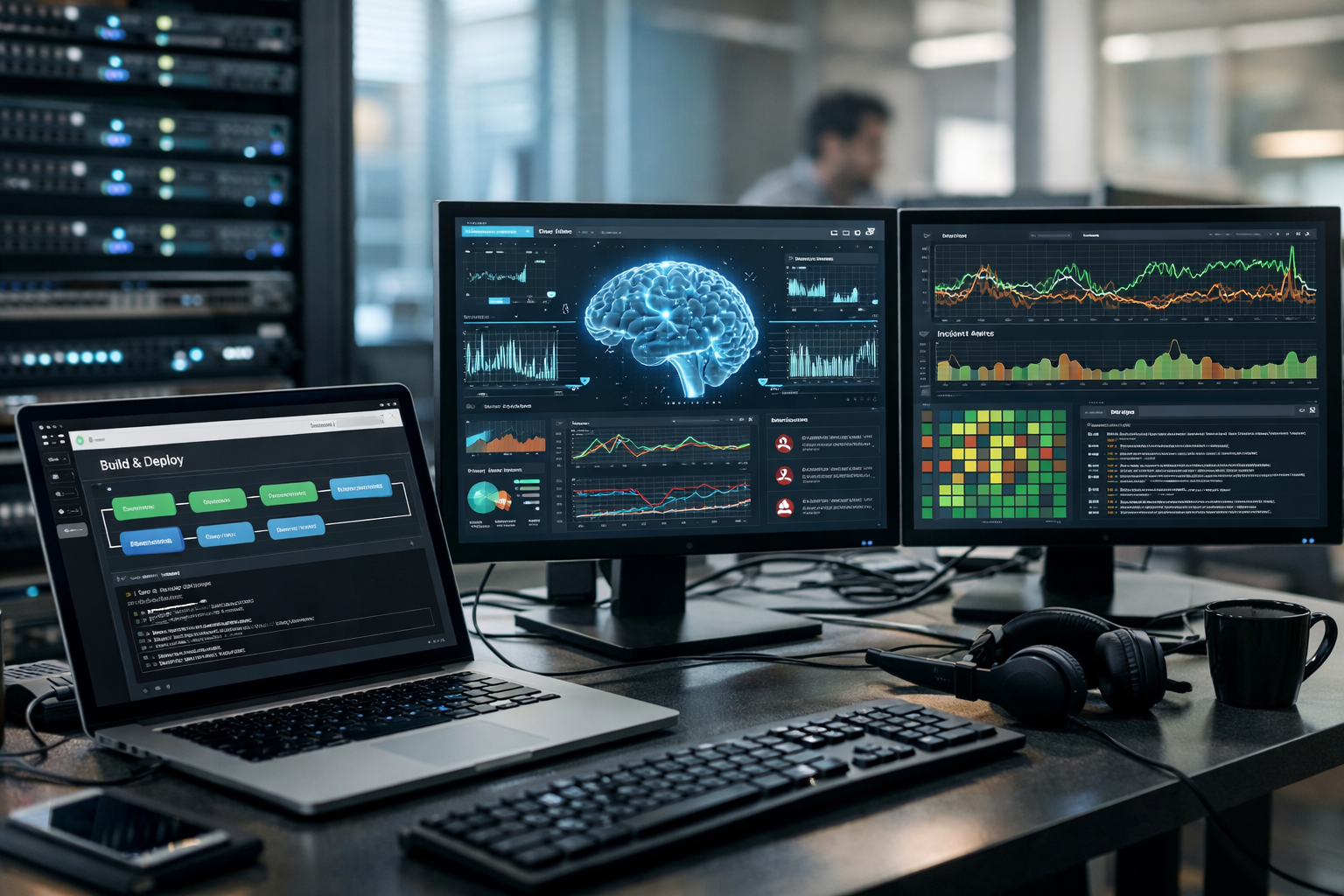
AI automates DevOps by helping software teams build, test, release, and monitor applications with less manual work and fewer mistakes. In practical terms, AI can spot risky code changes before release, choose the best tests to run, predict failures in a deployment pipeline, and detect unusual system behaviour before users complain. For beginners, the simplest way to think about it is this: DevOps keeps software moving smoothly from idea to customer, and AI adds pattern recognition so the process becomes faster, smarter, and more reliable.
If those terms are new, do not worry. This guide explains everything from scratch, using plain language and simple examples.
DevOps is a way of working where software developers and IT operations teams collaborate closely. Developers create or update an app. Operations teams make sure that app runs safely and reliably on servers or cloud platforms. In older ways of working, these groups often worked separately, which slowed down releases and caused communication problems.
DevOps tries to solve that by creating a smoother process from writing code to delivering it to users. A common goal in DevOps is to release updates more often, with fewer failures, and recover quickly when something goes wrong.
A useful beginner comparison is a restaurant kitchen. Developers are like chefs creating dishes, while operations teams are like staff making sure the kitchen, supplies, and delivery system work properly. DevOps is the system that helps everyone coordinate. AI is like a smart assistant watching patterns, warning about likely problems, and suggesting the fastest way to keep orders moving.
CI/CD stands for Continuous Integration and Continuous Delivery or Continuous Deployment.
A pipeline is simply a series of steps that code passes through. For example:
Without automation, people would have to do many of these tasks by hand. That is slow and error-prone. With DevOps automation, the pipeline handles routine tasks consistently.
Traditional automation follows fixed rules. For example, “run all tests after every code change.” AI goes further because it can learn from past data and recognise patterns.
Imagine a team has 5,000 software tests. Running every test after every small update might take 2 hours. AI can study past changes and discover that edits to the login page usually affect only certain parts of the system. Instead of running all 5,000 tests, it may recommend the 300 most relevant ones first. That can save time while still protecting quality.
Here are some common ways AI helps in CI/CD:
AI can analyse previous code changes, test failures, and release history to predict which tests matter most for a new update. This helps teams find bugs faster.
By looking at previous builds, AI can estimate the chance that a new build will fail. If a pipeline normally fails when certain files change together, AI may flag that risk early.
When a build breaks, AI can compare the failure with earlier incidents and suggest the most likely cause. Instead of reading hundreds of log lines, a team might get a simple summary like: “This error looks similar to the database configuration issue from last Tuesday.”
AI can assign a risk score to a deployment based on factors such as how large the change is, which systems are affected, and whether similar releases failed before. A high-risk change may need extra review before going live.
After software is released, teams need to watch how it behaves. This is called monitoring. Traditional monitoring checks basic signals such as:
Intelligent monitoring uses AI to do more than just display charts. It can notice unusual behaviour, connect related events, reduce false alarms, and even predict incidents before they become serious.
For example, a normal monitoring tool may send an alert whenever CPU usage goes above 80%. But what if 85% is normal every Monday morning? AI can learn the usual pattern and avoid raising a pointless alarm. On the other hand, if CPU usage jumps to 60% at an unusual time while error rates and response times also rise, AI can recognise that as suspicious even though each number alone may not look extreme.
An anomaly is something unusual. AI systems are good at spotting behaviour that does not match the normal pattern. This helps teams catch problems earlier.
Example: If a shopping app usually processes 1,000 orders per hour, and suddenly payment errors rise by 25% while traffic stays the same, AI can mark that as abnormal.
Many IT teams receive too many alerts. Some large organisations deal with thousands of monitoring notifications per day, and many are not urgent. This is called alert fatigue. When people see too many warnings, they may miss the important ones.
AI helps by grouping related alerts together and filtering out noise. Instead of 50 separate warnings, a system may produce one clearer message: “Database slowdown is likely causing website errors in three services.”
AI can look at trends and estimate whether a server, service, or database is likely to fail soon. This gives teams time to act before users are affected.
Think of it like a car dashboard that warns you about a part wearing out before the car stops on the road.
When something breaks, every minute matters. If an online service loses sales worth $1,000 per minute, a 30-minute outage can cost $30,000. AI can shorten response time by summarising logs, pointing to likely causes, and suggesting fixes based on similar past incidents.
Imagine a streaming app releases a new search feature.
This is the real value of AI in DevOps: not magic, but faster decisions based on data.
For beginners exploring tech careers, this matters because modern companies want people who understand both automation and AI-assisted workflows. If you are starting from zero, learning the basics of computing, Python, and AI can help you understand how these systems work together. A practical next step is to browse our AI courses and see beginner-friendly options.
AI is helpful, but it is not perfect.
So, AI does not replace DevOps teams. It acts more like an assistant that helps them work more effectively.
As more companies move their software to cloud platforms and release updates more frequently, demand is growing for people who understand automation, monitoring, and AI-enhanced tools. You do not need to become an expert overnight. Many successful career changers begin with the basics: how software works, how data is used, and how simple machine learning models spot patterns.
If you want a structured learning path, beginner-focused online study can make the process less overwhelming. Edu AI is built for newcomers and covers AI, machine learning, Python, and related skills in plain English. Where relevant, learning paths can also support knowledge useful for major certification ecosystems such as AWS, Google Cloud, Microsoft, and IBM.
If you now understand the basic answer to “how AI automates DevOps: CI/CD pipelines and intelligent monitoring,” the next step is to build your foundation. Start with beginner-friendly computing, Python, or AI courses, then explore how automation and data-driven systems work in real projects.
You can register free on Edu AI to start learning at your own pace, or view course pricing if you want to compare study options before committing.




- Learning Evolved.
- Intelligence Amplified.