3D & Design — March 7, 2026 — Edu AI Team
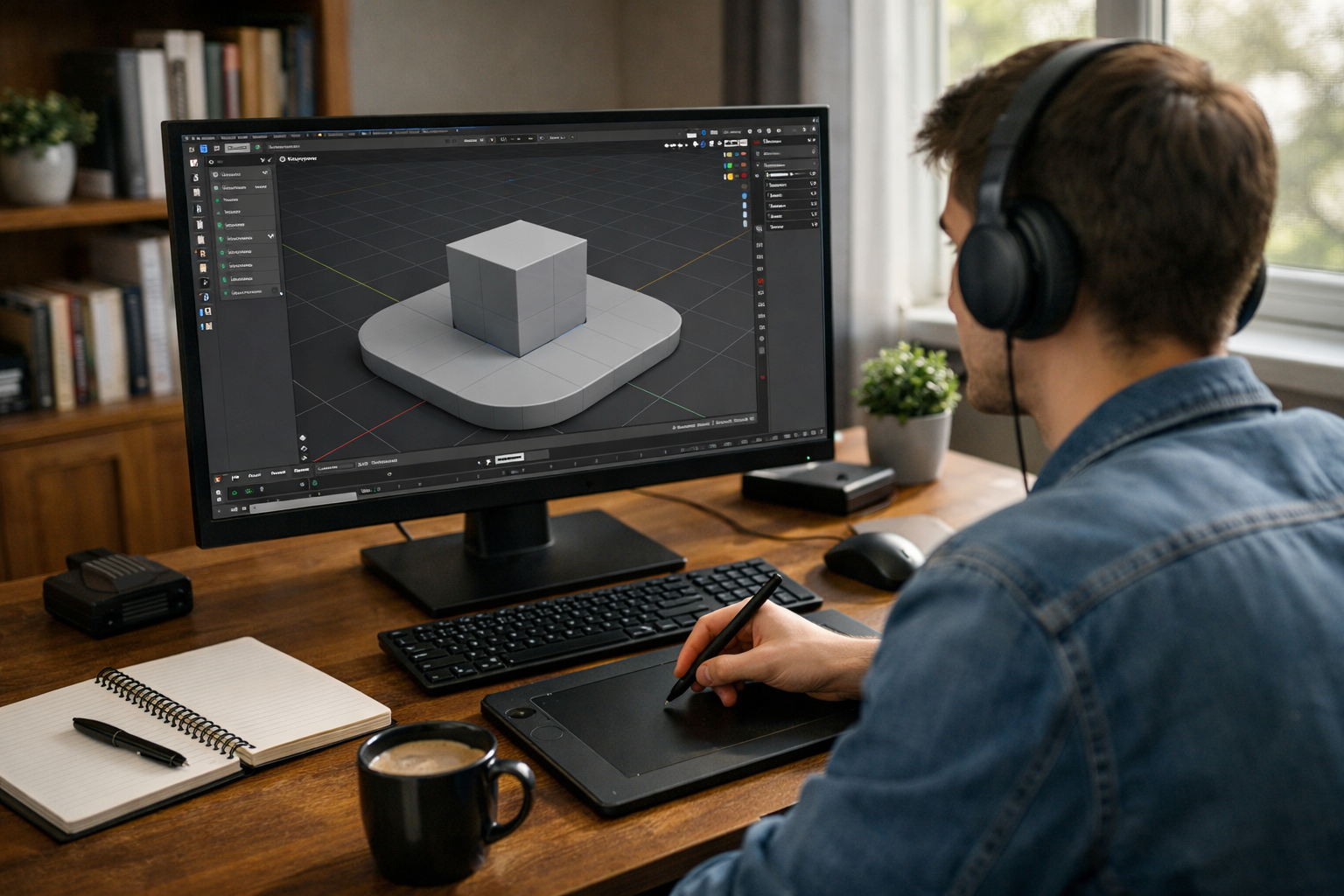
If you're considering learning 3D design, one of your first questions is likely: how long does it take to learn Blender from scratch? The honest answer depends on your goals, background, and how consistently you practice. Blender is a powerful, professional-grade 3D creation tool used for animation, modeling, rendering, game design, and even visual effects. While it may look complex at first, beginners can start creating impressive work sooner than they expect.
In this guide, we break down realistic timelines, what you can achieve at each stage, and how to accelerate your progress with structured learning.
For most beginners:
These estimates assume you practice 5–10 hours per week. If you dedicate more time or follow structured lessons, your progress can accelerate significantly.
If you have experience in graphic design, CAD software, video editing, or other creative tools, you'll adapt faster. Familiarity with 3D concepts like meshes, vertices, lighting, and rendering shortens the learning curve.
Complete beginners can still succeed — it simply takes more consistent practice.
Random tutorials can slow your progress. A structured curriculum builds skills step by step, avoiding confusion and gaps in knowledge. Many learners move faster when they follow guided programs like our courses, which combine theory, projects, and practical exercises.
Consistency matters more than intensity. One hour daily is more effective than seven hours once a week. Blender is hands-on software — muscle memory and repetition play a major role.
Are you learning Blender for:
The more advanced your goal, the longer your journey will be.
At this stage, you learn:
Within two weeks, most beginners can model simple objects like cups, chairs, or basic rooms. You won’t feel like an expert, but you’ll understand how Blender works.
This is where real progress happens. You’ll develop:
By the end of three months, you can create detailed scenes, product mockups, or simple animated clips. Many hobbyists stop here because they can already produce satisfying results.
With consistent effort, you begin tackling:
At this point, your workflow becomes faster and more intuitive. You spend less time searching for tools and more time designing creatively.
Reaching job-ready proficiency typically takes 6–12 months of focused study and project building. You’ll need:
If your goal is freelancing or employment, structured guidance can dramatically shorten this timeline.
Yes — but with realistic expectations.
In 30 days, you can:
You likely won’t master advanced animation or simulations in one month. However, 30 days of focused learning is enough to build strong foundations.
A step-by-step curriculum eliminates guesswork. Instead of jumping between unrelated tutorials, follow a roadmap that builds logically from basics to advanced topics. You can explore our courses for guided Blender training designed for beginners.
Passive watching doesn’t work. Recreate objects around you — furniture, gadgets, simple rooms. Project-based learning reinforces tools and workflows.
Blender includes modeling, sculpting, animation, compositing, simulation, and more. Trying to learn everything at once causes burnout. Master modeling first, then expand.
Communities accelerate growth. Feedback helps you avoid bad habits early. Structured platforms and guided programs provide accountability and direction.
Instead of saying, “I want to learn Blender,” define:
Clear goals keep motivation high.
Blender is powerful, but not impossible. The interface may feel overwhelming at first because it combines many tools into one platform. However, once you understand navigation and basic modeling logic, the software becomes intuitive.
Most beginners struggle for the first 1–2 weeks. After that, confidence grows quickly.
Absolutely. Blender is:
3D content demand is growing across gaming, virtual reality, marketing, product visualization, and online education. Blender skills open doors in creative and technical industries alike.
Self-learning is possible, but structured guidance saves time. At Edu AI, we combine AI-powered learning systems with expert-designed content to help students progress efficiently.
Our 3D learning paths focus on:
If you're ready to start your 3D journey, you can register free and begin building real-world Blender skills today.
For basic proficiency, expect 1–3 months of consistent practice. For advanced or professional-level skills, plan for 6–12 months of structured learning and project work.
The key is consistency, focused goals, and guided progression. Blender isn’t learned overnight — but with the right approach, you can start creating impressive 3D work much sooner than you think.
Your journey begins with a single modeled cube. What you build from there is entirely up to you.

- Learning Evolved.
- Intelligence Amplified.