Computing — April 16, 2026 — Edu AI Team
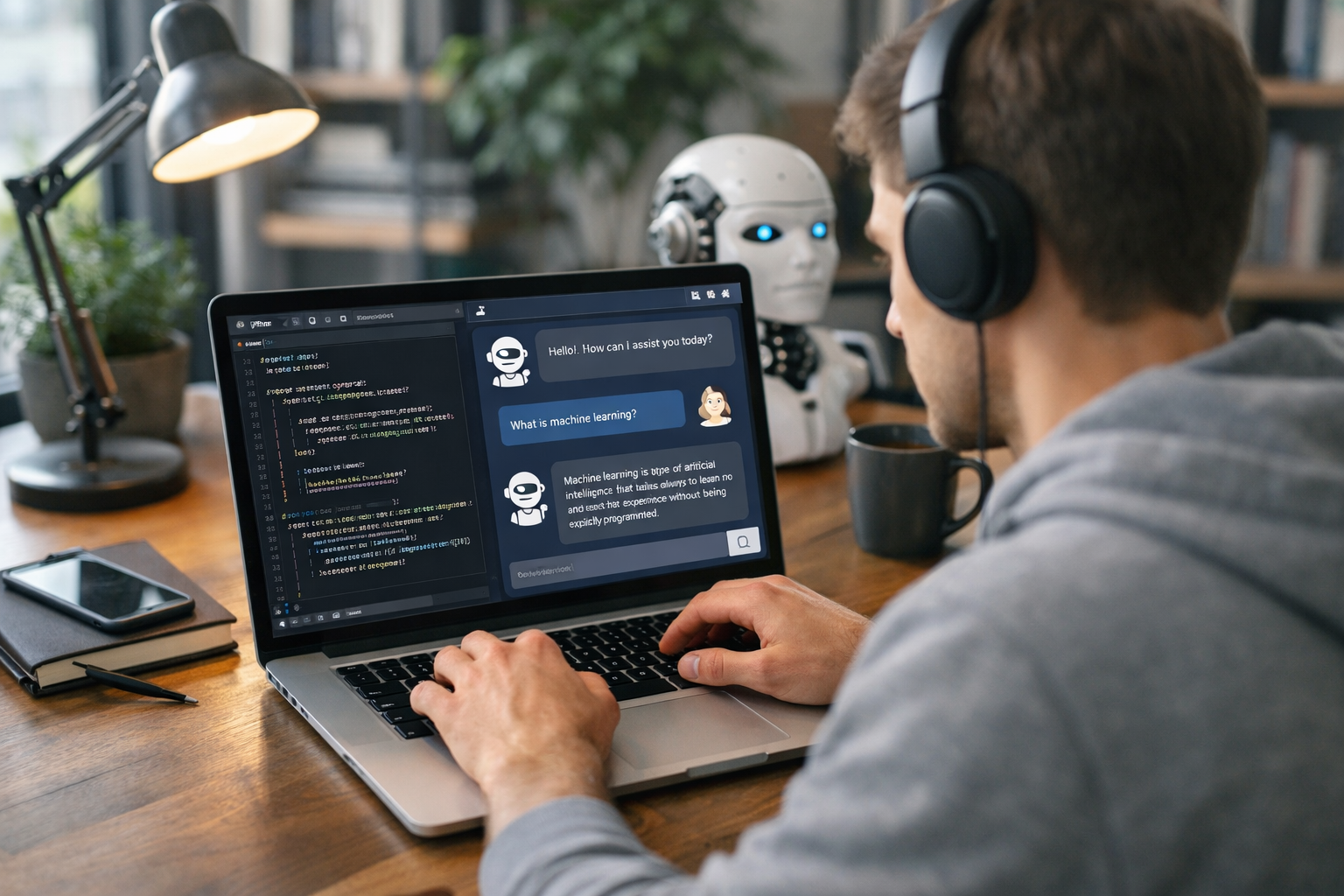
If you want to know how to build an AI-powered chatbot with Python in 2026, the short answer is this: start with a simple Python program, connect it to a large language model through an API, give it clear instructions, and then test and improve it step by step. You do not need to be an expert in coding, machine learning, or data science to begin. In 2026, beginner-friendly tools make it possible to build a useful chatbot in a weekend if you follow a clear plan.
This guide explains everything from the ground up. We will cover what a chatbot is, why Python is the most popular beginner language for AI projects, the exact steps to build one, and a small example you can understand even if this is your first coding project.
A chatbot is a computer program that talks to people through text or voice. A basic chatbot follows fixed rules. For example, if you type “opening hours,” it replies with a saved answer. An AI-powered chatbot goes further. It uses artificial intelligence to understand questions written in different ways and produce more natural replies.
For example, a rule-based chatbot may only answer:
But an AI chatbot can usually understand similar questions such as:
That flexibility is why AI chatbots are now used in customer support, education, shopping, personal productivity, and language learning.
Python is a programming language known for being easy to read. Many beginners choose it because the code looks closer to plain English than many other languages. In AI, Python remains the most common choice in 2026 for three simple reasons:
If you are completely new, Python gives you the fastest path from “I have never coded” to “I built something real.” If you want structured beginner lessons before starting, you can browse our AI courses to find beginner-friendly Python and AI learning paths.
You do not need expensive equipment. A normal laptop and internet connection are enough for a beginner project.
You do not need to train your own AI model from scratch. Training means teaching a model by feeding it huge amounts of data, often using expensive computers. Most beginners do not do that. Instead, they use a ready-made model through an API. This is faster, cheaper, and much easier.
Here is the basic flow:
You can think of Python as the middleman. It takes the question, sends it to the AI brain, and returns the answer.
First, install Python from the official Python website. Then create a folder on your computer called something like my-chatbot. Inside that folder, you will save your code file.
Most AI providers give a Python package, also called a library. A library is pre-written code that saves you time. You install it with a command such as:
pip install openai
The exact package name may vary by provider in 2026, but the idea is the same.
An API, short for Application Programming Interface, is a way for one program to talk to another. Your API key is like a secure password that proves your program has permission to use the AI service.
Never share your API key publicly. Do not paste it into screenshots or upload it to public code websites.
Here is a beginner-style example:
from openai import OpenAI
client = OpenAI(api_key="YOUR_API_KEY")
system_message = "You are a helpful chatbot for beginners. Keep answers short and simple."
while True:
user_input = input("You: ")
if user_input.lower() == "quit":
break
response = client.chat.completions.create(
model="gpt-4.1-mini",
messages=[
{"role": "system", "content": system_message},
{"role": "user", "content": user_input}
]
)
reply = response.choices[0].message.content
print("Bot:", reply)
This small script does four important things:
You can run it in your terminal with a command like python chatbot.py.
The simple version above treats each message as mostly separate. A better chatbot remembers earlier parts of the conversation. To do that, store past messages in a list and keep sending them back with each new question.
This creates a more natural experience. For example, if the user says, “My name is Sam,” then later asks, “What is my name?”, the chatbot has a better chance of answering correctly if the earlier message is included.
Good chatbots should not just sound smart. They should also be safe and reliable. Add clear instructions such as:
This is often called prompt design. A prompt is the instruction you give the AI model. Better instructions often lead to better results.
Once the chatbot works in the terminal, you can make it easier to use with a basic web app. Tools like Flask or Streamlit are common beginner choices. With Streamlit, many beginners create a usable chatbot page in under 50 lines of code.
That means your project can go from a black terminal window to a simple chat page with a message box and reply area.
A smart beginner project in 2026 is a study helper chatbot. It can:
This project is useful, small enough to finish, and easy to improve over time. It also teaches core chatbot skills without overwhelming you.
No. That is one of the biggest myths in AI learning. You can build a practical chatbot before deeply studying machine learning theory.
Machine learning is a branch of AI where computers learn patterns from data. It is valuable to understand later, especially if you want a long-term AI career. But for your first chatbot, the most important skills are basic Python, clear thinking, and the ability to test and improve your results.
If you want to build stronger foundations after your first project, it helps to study Python, AI basics, and natural language processing in a structured order. You can also view course pricing if you are comparing affordable ways to learn step by step.
Even a simple chatbot teaches practical skills that employers and freelance clients value:
For career changers, this matters because a finished project is stronger than saying, “I watched a few videos.” A chatbot project gives you something concrete to show.
Building an AI-powered chatbot with Python in 2026 is more beginner-friendly than ever. Start small: install Python, connect to an AI API, write a basic chat loop, and improve one feature at a time. You do not need to master everything before you begin.
If you want a guided path with beginner-focused lessons, practical projects, and clear explanations, register free on Edu AI and start exploring AI and Python at your own pace. A simple first chatbot can be the project that turns curiosity into real skill.



- Learning Evolved.
- Intelligence Amplified.