Computing — March 14, 2026 — Edu AI Team
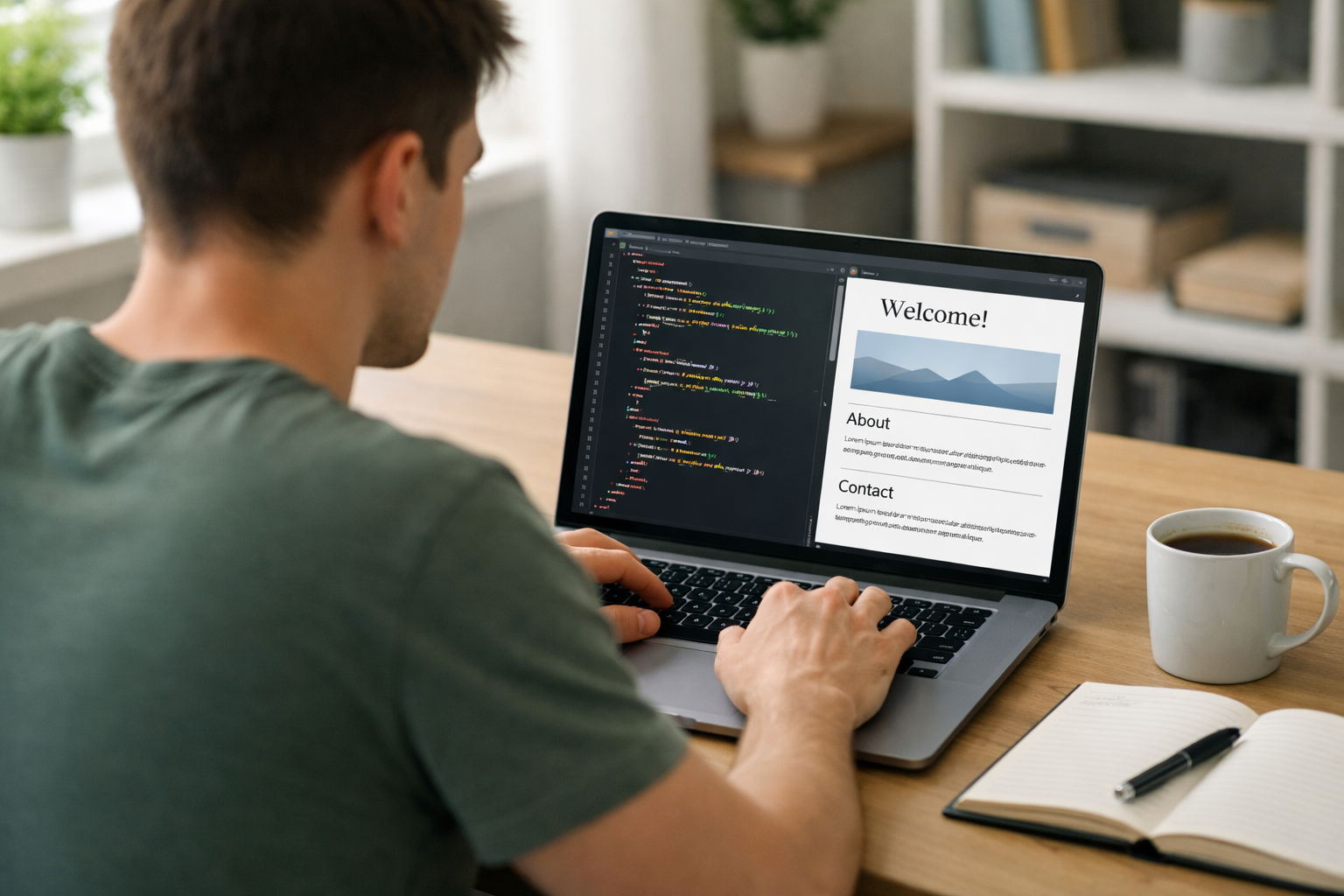
If you’ve ever wondered how websites are created, you’re in the right place. Learning how to build your first website with HTML and CSS is one of the most valuable skills you can develop in today’s digital world. Whether you want to launch a personal blog, showcase a portfolio, or start a tech career, mastering these two foundational technologies is your first step.
This guide will walk you through everything you need to know — from setting up your tools to publishing your site online. No prior coding experience required.
Before you start building, it’s important to understand what HTML and CSS actually do.
Think of HTML as the skeleton of a house and CSS as the paint, furniture, and design.
You don’t need expensive software to build your first website. Here’s what you need:
Download and install a free code editor like Visual Studio Code. This will make writing and organizing your code much easier.
Create a new folder on your computer called my-first-website. Inside that folder, create a file named index.html. This will be your homepage.
Open the file in your code editor and add the following basic HTML structure:
Basic HTML Template:
<!DOCTYPE html>
<html>
<head>
<title>My First Website</title>
</head>
<body>
<h1>Welcome to My Website</h1>
<p>This is my very first webpage built with HTML.</p>
</body>
</html>
Save the file and double-click it. It will open in your browser. Congratulations — you’ve just created your first webpage!
Let’s expand your website with more elements.
<img src="image.jpg" alt="A description" width="300">
<a href="https://www.eduailast.com/">Visit Edu AI</a>
<ul>
<li>HTML</li>
<li>CSS</li>
<li>JavaScript</li>
</ul>
Experiment with different tags to see how they appear in your browser.
Now let’s make your website look better.
Inside your project folder, create a new file called style.css.
Then connect it to your HTML file by adding this line inside the <head> section:
<link rel="stylesheet" href="style.css">
Open style.css and add:
body {
font-family: Arial, sans-serif;
background-color: #f4f4f4;
margin: 0;
padding: 20px;
}
h1 {
color: #2c3e50;
}
p {
color: #555;
line-height: 1.6;
}
Save both files and refresh your browser. Notice how your website now looks more polished.
Let’s create a basic page structure with a header, main section, and footer.
<body>
<header>
<h1>My First Website</h1>
</header>
<main>
<h2>About Me</h2>
<p>I am learning web development.</p>
</main>
<footer>
<p>© 2026 My Website</p>
</footer>
</body>
header, footer {
background-color: #2c3e50;
color: white;
padding: 15px;
}
main {
margin: 20px 0;
}
This creates a clean, structured layout similar to professional websites.
Modern websites must work on mobile devices. Add this inside your <head> section:
<meta name="viewport" content="width=device-width, initial-scale=1.0">
Then use flexible units in CSS like percentages and avoid fixed widths where possible. As you grow, you’ll learn advanced responsive techniques like Flexbox and CSS Grid.
If you want structured, step-by-step guidance, explore our courses in Computing and Python to build strong programming foundations.
Once your website is ready, you’ll want to put it online so others can see it.
You can purchase a domain name and hosting plan from providers like Bluehost or SiteGround. Then upload your files via a control panel or FTP.
Publishing your site makes your skills visible — especially if you’re building a portfolio.
Take time to experiment and break things. Debugging is part of learning.
Once you’re comfortable, the next step is JavaScript for interactivity. After that, you can explore:
If you're serious about a career in tech, consider structured training. At Edu AI, we offer AI-powered learning paths in Computing, Python, and Artificial Intelligence. You can register free and start building real-world skills today.
With website builders and AI tools everywhere, you might wonder if learning HTML and CSS is still relevant. The answer is yes — more than ever.
Understanding the fundamentals gives you:
Even AI-generated websites rely on HTML and CSS behind the scenes. When you understand them, you’re not just using tools — you’re mastering them.
Learning how to build your first website with HTML and CSS is a powerful milestone. In just a few hours, you can go from zero knowledge to creating a live webpage.
Start small. Build a personal homepage. Add new features gradually. Practice consistently.
Every professional web developer started exactly where you are now — with a blank file and a simple <h1> tag.
Your journey into web development begins today.



- Learning Evolved.
- Intelligence Amplified.