AI Education — July 4, 2026 — Edu AI Team
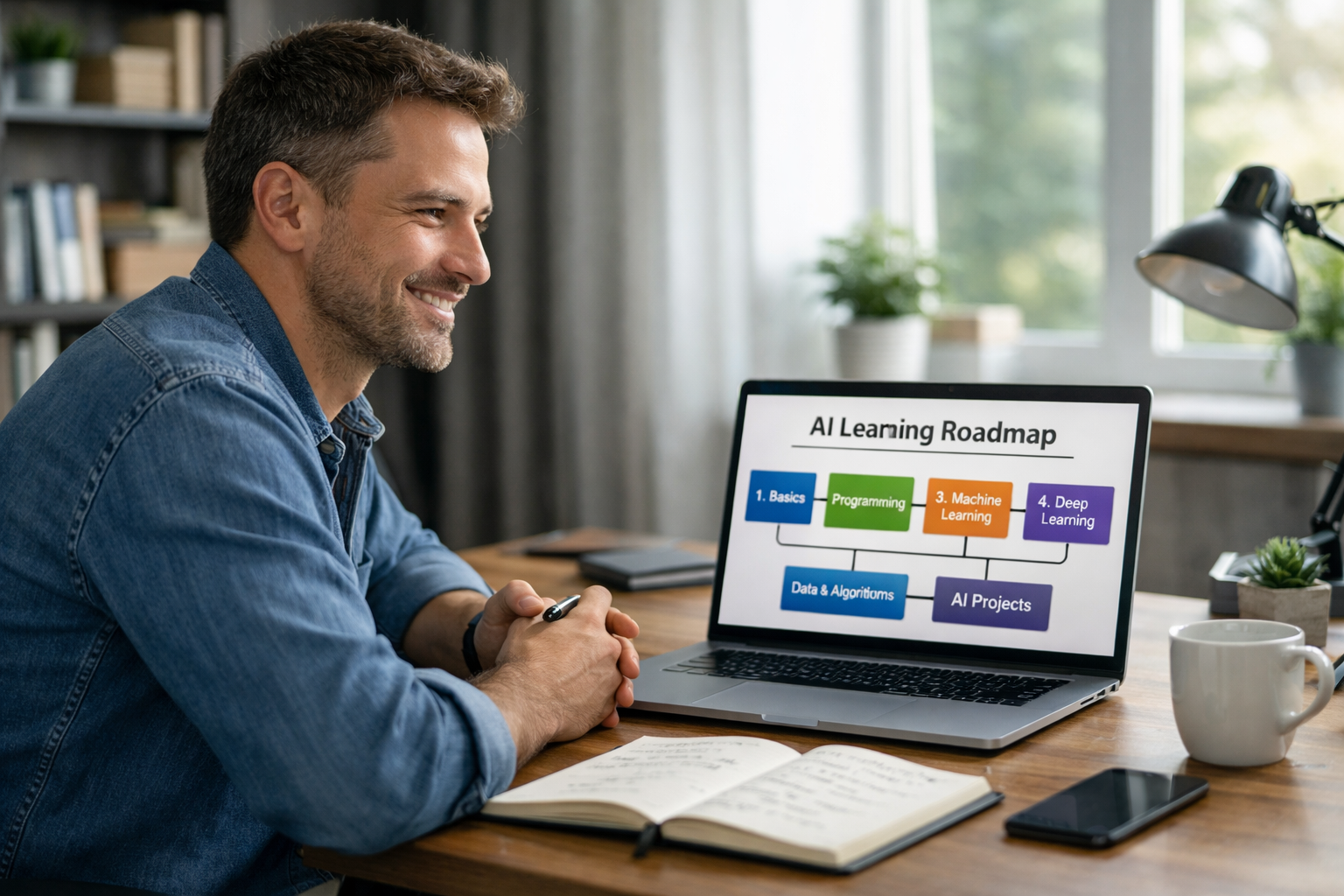
Yes, you can change from human resources to AI with no coding experience. In fact, HR professionals often have a strong starting advantage because AI is not only about writing software. It also involves understanding people, processes, hiring, training, communication, and business decisions. The most practical path is to begin with AI basics, learn how data is used to make predictions, practice with no-code or beginner-friendly tools, and then move into entry-level roles such as HR analytics, people analytics, AI project coordination, or talent intelligence. You do not need to become a full-time programmer to start working with AI.
If you work in HR, you already understand skills that matter in AI-powered workplaces: spotting patterns in employee behavior, improving hiring decisions, organizing information, and explaining decisions clearly to others. Those strengths transfer well into beginner AI roles, especially in teams that use AI for recruitment, workforce planning, learning and development, employee engagement, and performance analysis.
Many beginners think AI is only for mathematicians or software engineers. That is not true. Artificial intelligence, or AI, simply means computer systems that can perform tasks that usually need human judgment, such as sorting applications, recommending training, or predicting which employees may leave a company. Machine learning is one part of AI. It means teaching a computer to find patterns in data so it can make useful predictions.
HR teams already work with data every day, even if they do not call it that. Examples include:
AI uses the same kind of information, just in a more structured and scalable way. For example, instead of manually reviewing 500 job applications, an AI-assisted workflow can help rank candidates based on agreed criteria. Instead of guessing why employees leave, a simple predictive model can highlight patterns linked to resignation risk.
When people search for “how to change from human resources to AI with no coding,” they usually mean one of two things:
That is completely reasonable. You can start in AI without coding by learning concepts first and using visual tools, spreadsheets, dashboards, and beginner platforms. Over time, some people choose to learn a little Python, which is a beginner-friendly programming language often used in AI. But that can come later. Your first goal is understanding how AI works, where it helps in HR, and how to talk about AI confidently in a professional setting.
You do not need to aim straight for “machine learning engineer,” which is a highly technical role. A smarter move is to target jobs where your HR experience is valuable from day one.
This role focuses on workforce data. You might track retention, hiring speed, performance patterns, or training impact. AI tools can help identify trends, but the job still needs human judgment.
This is often a strong entry point. You gather, clean, and interpret HR data, then help managers use it better. You may use dashboards and reports more than code.
In this role, you use data and AI tools to understand skills demand, hiring market trends, candidate fit, and workforce planning.
Many AI teams need people who can coordinate stakeholders, document requirements, support adoption, and translate business needs into practical actions. HR professionals often do this well.
If you work in training, AI can help personalize learning paths, recommend courses, and measure outcomes. This can be a useful bridge into the wider AI field.
Start with plain-English definitions. Learn what AI, machine learning, data, model, prediction, and automation mean. A model is simply a system trained on past examples so it can make a future guess. For instance, if a company has 3 years of employee data, a model might estimate which teams have higher turnover risk.
Your goal here is not to memorize technical formulas. It is to become comfortable enough to follow conversations, ask better questions, and understand how AI is used in business.
Choose examples that connect directly to your background. Good beginner areas include:
When AI relates to your current knowledge, it feels much less intimidating.
You do not need advanced mathematics, but you do need comfort with data. That means learning how to read tables, spot trends, and ask simple questions such as: Which department has the highest turnover? Did training completion improve performance ratings? Which roles take the longest to fill?
Spreadsheets, charts, and dashboards are enough to begin. Once you understand structured data, AI concepts make much more sense.
The fastest way to avoid confusion is to follow a structured learning path designed for non-technical learners. Instead of jumping between random videos, look for courses that explain AI from the ground up and introduce tools step by step. A good place to start is to browse our AI courses, especially beginner topics in AI, machine learning, and Python for complete newcomers.
Edu AI courses are designed for learners who need plain-English teaching, and relevant pathways can support preparation aligned with major industry certification frameworks from AWS, Google Cloud, Microsoft, and IBM. That matters if you eventually want a more formal credential roadmap.
You do not need a complex technical portfolio. One small project is enough to show direction. For example:
This gives you something concrete to discuss in interviews. Employers like seeing curiosity and practical thinking, not just certificates.
Your HR background is not unrelated experience. It is relevant experience. The key is framing it clearly.
For example, instead of saying:
You could say:
Instead of:
You could say:
This helps employers see that you already think in data-informed, AI-relevant ways.
For most beginners, a realistic timeline is 3 to 6 months to build confidence in AI basics and complete one or two beginner projects alongside a full-time job. If you study 4 to 6 hours a week, you can make meaningful progress without rushing.
A simple timeline could look like this:
You do not need to be highly technical to begin. Many AI roles need communication, business understanding, organization, ethics awareness, and domain knowledge. HR professionals often bring all of these.
Career changes into AI happen at many ages. Employers often value mature professionals because they understand workplace problems, not just tools.
No. For many entry-level AI-adjacent roles, proof of understanding, practical learning, and relevant business experience can matter more than a formal degree in computer science.
Not true. Coding can expand your options later, but there are many pathways into AI operations, analytics, adoption, project support, learning design, and business-facing roles.
If you only focus on four things in the beginning, make them these:
That foundation is enough to move from fear to momentum.
If you want a realistic way to move from human resources to AI with no coding, start small and stay consistent. Learn the basics, connect AI to HR problems you already understand, and build one practical example you can talk about with confidence.
When you are ready for a structured path, you can register free on Edu AI to start learning at your own pace. If you want to compare options first, you can also view course pricing and choose a beginner-friendly route that fits your goals and budget.
Your HR experience is not a barrier to AI. It can be your advantage.




- Learning Evolved.
- Intelligence Amplified.