3D & Design — March 5, 2026 — Edu AI Team
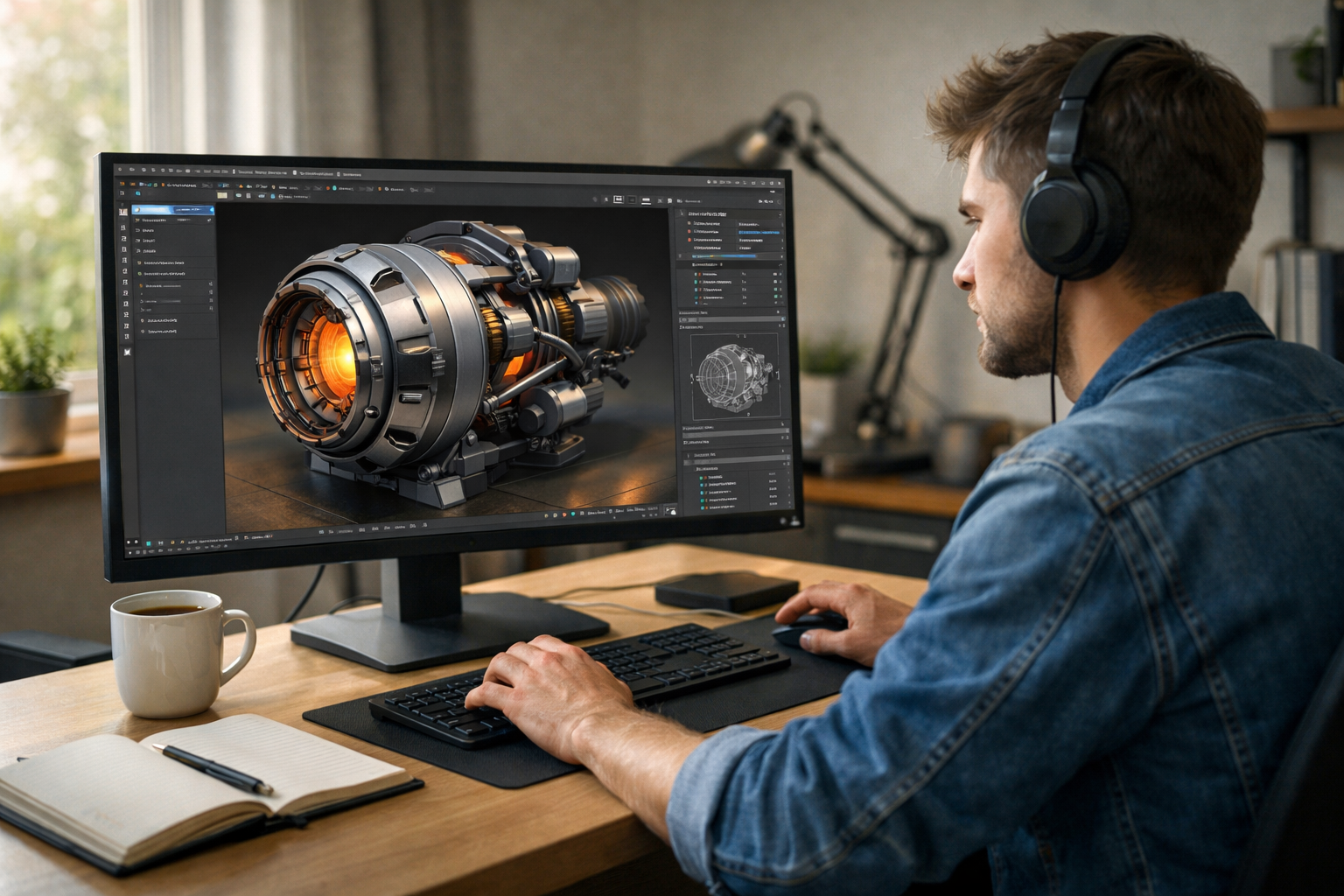
If you’ve ever wondered how to learn 3D modelling at home for free, the good news is this: you don’t need expensive software, a powerful studio, or a university degree to get started. With the right tools, structured practice, and consistent effort, you can build professional-level 3D skills from your own laptop.
3D modelling is used in gaming, animation, architecture, product design, virtual reality, and even AI simulations. Whether you want to design game assets, create animated films, or develop realistic product renders, this guide will show you exactly how to begin — step by step.
Before diving into the “how,” let’s clarify the “why.” Learning 3D modelling opens doors to creative and technical careers, including:
Even if you’re just starting as a hobbyist, 3D modelling strengthens spatial reasoning, creativity, and problem-solving skills. And because powerful tools like Blender are completely free, your only investment is time and practice.
If your goal is to learn 3D modelling at home for free, Blender is your best starting point.
Blender runs on Windows, macOS, and Linux, and it doesn’t require a high-end computer for basic modelling. Once installed, you have access to a complete 3D production pipeline.
Many beginners make the mistake of jumping straight into complex projects. Instead, focus first on understanding these fundamentals:
Learn how to navigate the viewport: rotate, pan, and zoom. Mastering camera control alone will save you hours of frustration.
Everything in 3D modelling starts with simple shapes like:
These are called meshes. Complex objects are built by modifying and combining these basic forms.
Every 3D object is made of:
Understanding how to manipulate these in Edit Mode is the foundation of modelling.
If you truly want to learn 3D modelling at home for free, structure matters. Random tutorials can help, but a guided pathway accelerates your progress.
A strong beginner roadmap looks like this:
At Edu AI, our AI-powered platform personalizes your learning journey based on your pace and goals. You can explore our courses in 3D Graphics & Blender to get structured guidance without paying expensive tuition fees.
The fastest way to improve is by building real objects. Start simple.
These projects teach scaling, extrusion, modifiers, and proportions.
Each project should challenge you slightly beyond your comfort zone. That’s where growth happens.
Many beginners focus only on modelling. But lighting and rendering transform basic shapes into professional visuals.
A well-lit simple model looks better than a poorly lit complex one. Invest time here — it dramatically improves your portfolio quality.
One major advantage of learning today is access to AI-powered education. Instead of guessing what to learn next, AI can:
At Edu AI, we integrate intelligent learning systems to guide students step-by-step. You can register free and start building 3D skills immediately.
If you’re serious about turning 3D modelling into a freelance career or job opportunity, document your progress.
Quality always beats quantity. Even three excellent pieces can impress potential clients or employers.
When learning 3D modelling at home for free, watch out for these common traps:
Remember: professionals were once beginners. Progress is gradual but powerful if you stay consistent.
The timeline depends on your goals and practice routine.
Consistency matters more than intensity. Even 45–60 minutes daily can lead to impressive progress over time.
Yes — absolutely.
With Blender, free tutorials, community forums, and AI-assisted learning platforms like Edu AI, you can go from complete beginner to job-ready without paying for expensive university programs.
The key difference between those who succeed and those who quit isn’t money — it’s discipline, structure, and persistence.
Here’s a simple roadmap to get started today:
By the end of 30 days, you’ll have tangible results — not just theoretical knowledge.
If you’ve been searching for how to learn 3D modelling at home for free, the path is clearer than ever. Download Blender. Follow a structured plan. Practice consistently. Build real projects. Use AI-powered guidance to stay on track.
3D modelling is no longer limited to studios or universities. With dedication and the right support, you can master it from your own home — and potentially turn it into a creative or financial opportunity.
Ready to start? Explore our courses or register free today and begin building your 3D future.

- Learning Evolved.
- Intelligence Amplified.