Computing — April 13, 2026 — Edu AI Team
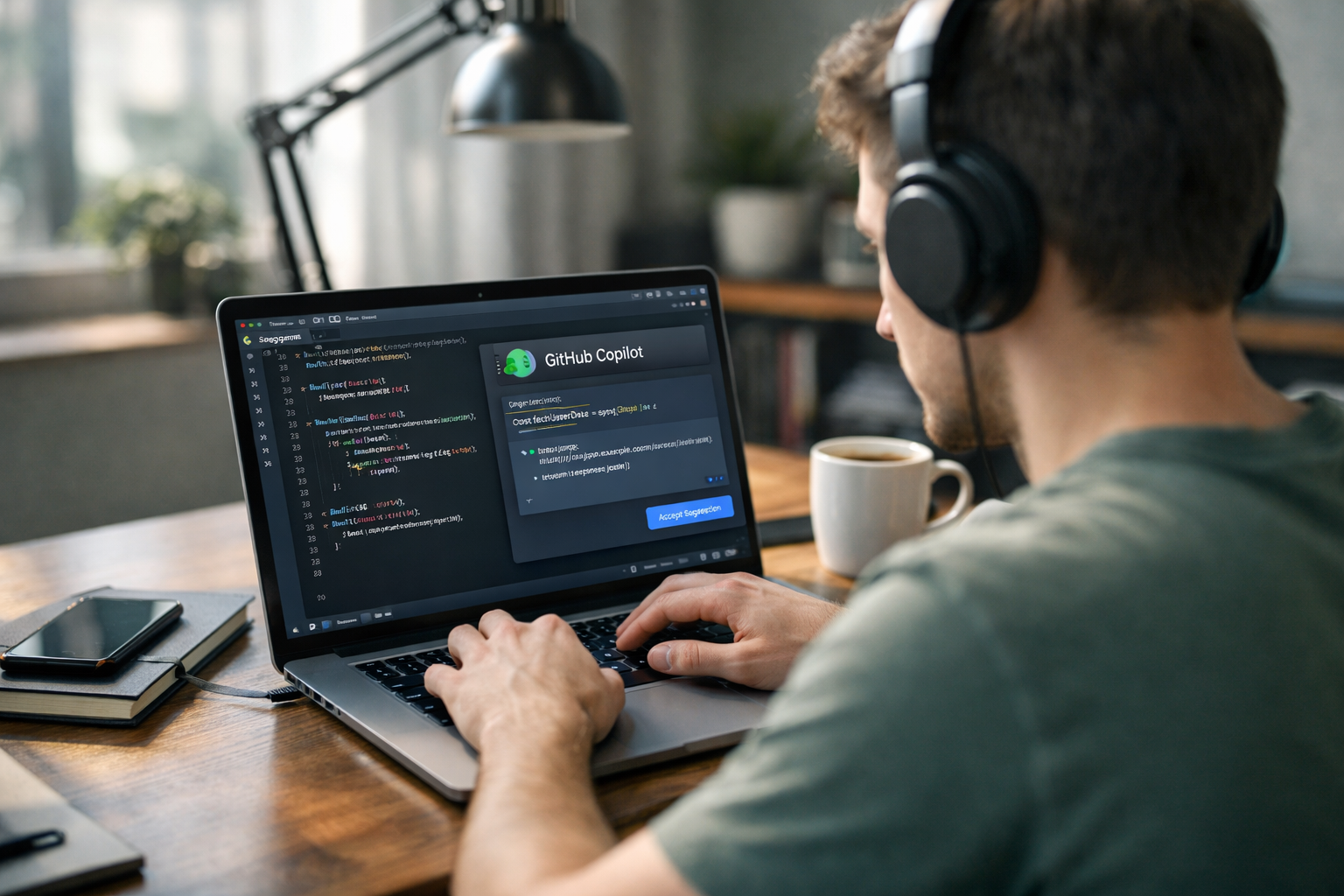
GitHub Copilot helps you write code faster by suggesting whole lines, functions, and fixes while you type. Think of it as an AI coding assistant inside your code editor. For beginners, it can save time, reduce blank-page stress, and show you examples in real time. The key is learning how to give clear instructions, review every suggestion carefully, and use Copilot as a helper—not as a replacement for learning.
If you have never written code before, do not worry. In this guide, we will explain what GitHub Copilot is, how it works in simple language, how to set it up, and the exact steps you can use to write code faster with AI.
GitHub Copilot is a tool that uses artificial intelligence to suggest code as you type. Artificial intelligence, or AI, means software that learns patterns from huge amounts of data and uses those patterns to make predictions. In this case, Copilot predicts what code you may want to write next.
It works inside coding apps such as Visual Studio Code. When you start typing a comment, a function name, or part of a program, Copilot can suggest the rest. Sometimes it completes one line. Sometimes it writes a full block of code.
For example, if you type a comment like:
# create a function that checks if a number is even
Copilot may suggest a working Python function underneath. That can save you several minutes, especially if you are still learning the structure of code.
Copilot is useful because writing code often includes many small, repetitive tasks. Even experienced programmers spend time looking up syntax, building simple functions, and correcting avoidable mistakes. Copilot speeds up those parts.
Instead of writing every word yourself, you can accept suggestions with a key press. If a task normally takes 20 lines, Copilot may generate most of them in seconds.
Beginners often ask, “What does this function look like?” Copilot can show an example instantly. That is often faster than searching through several web pages.
Tasks like sorting data, reading files, creating loops, or formatting output follow common patterns. Copilot is especially helpful for these common patterns.
Every time you stop to search for syntax, you break your concentration. Copilot can keep you moving by offering suggestions in the same window where you work.
That said, faster does not always mean better. Copilot can still make mistakes. It may suggest code that is inefficient, insecure, or simply wrong. That is why reviewing the output matters.
You do not need deep technical knowledge to start. Here is the simple setup process.
If you are brand new to programming and want to build confidence before using AI coding tools, it helps to browse our AI courses and beginner-friendly computing lessons first. Learning the basics makes Copilot much more useful.
The biggest difference between beginners who get value from Copilot and beginners who get confused is how they prompt it. A prompt is simply the instruction you give the AI.
Copilot responds better when your intent is specific. Instead of writing:
# function
try writing:
# write a Python function that takes a list of numbers and returns the largest number
The more clearly you describe the task, the more useful the suggestion usually becomes.
Do not ask Copilot to build an entire app in one go if you are a beginner. Instead, split the work into parts:
Small requests are easier to review and understand.
A good mindset is: Copilot gives the first draft, you make the final decision. Let it generate a starting point, then read through the code line by line.
If you do not understand a suggestion, do not just accept it. Ask what the code does. Some editors and AI chat features can explain code in simple terms. This turns Copilot into a learning tool, not just a speed tool.
Let us say you want to write a simple Python program that counts how many words are in a sentence.
You could start with a comment like this:
# ask the user for a sentence and print the number of words
Copilot may suggest code similar to:
Even if the exact code is different, the structure gives you a big head start.
Now imagine doing this manually as a beginner. You would need to remember how input works, how strings are split, and how to count items in a list. Copilot can bring those pieces together much faster.
But here is the important part: before using the code, check whether it handles extra spaces, empty input, or punctuation properly. AI suggestions can look correct while still missing edge cases, which means unusual situations that can cause errors.
Never assume AI-generated code is perfect. Read every line. If you do not understand it, do not use it yet.
After accepting a suggestion, run the code with a few test cases. If you wrote a calculator, try 2 + 2, 10 - 3, and invalid input. Testing helps you catch mistakes early.
Avoid putting passwords, private company data, or confidential details into prompts or files. This is a good habit with any AI tool.
Copilot may offer more than one completion. Look at alternatives instead of accepting the first one automatically.
Pay attention to repeated structures. Over time, you will start recognizing common code patterns yourself. That is how you become less dependent on the tool.
No. It can speed up coding, but it cannot replace understanding. If you rely on it without learning the basics, you may produce code you cannot fix, explain, or improve.
The best approach is to learn both at the same time: understand simple programming ideas and use Copilot to practise them faster. For example, if you are learning Python variables, loops, and functions, Copilot can generate examples that help you see those ideas in action.
If you are just starting out, a structured course can make this process much easier. You can view course pricing to see beginner options that fit your pace and budget.
Copilot tends to be most helpful for:
It is less reliable for complex business logic, advanced security tasks, or situations where one small error could cause major problems. In those cases, human review becomes even more important.
If your goal is to write code faster with AI, focus on this simple formula:
Even 20 to 30 minutes of regular practice can make a visible difference over a few weeks. You do not need to become an expert overnight. The real win is being able to go from idea to working code faster than before.
GitHub Copilot can be a great beginner tool if you use it thoughtfully. It helps you move faster, but your understanding still matters most. Start with small coding tasks, give clear instructions, and treat every suggestion as something to learn from—not just something to accept.
If you want a simple path into programming, AI, and practical beginner projects, the next step is to register free on Edu AI and explore beginner-friendly lessons. With the right foundation, tools like Copilot become much easier—and much more powerful—to use well.




- Learning Evolved.
- Intelligence Amplified.