Languages — April 16, 2026 — Edu AI Team
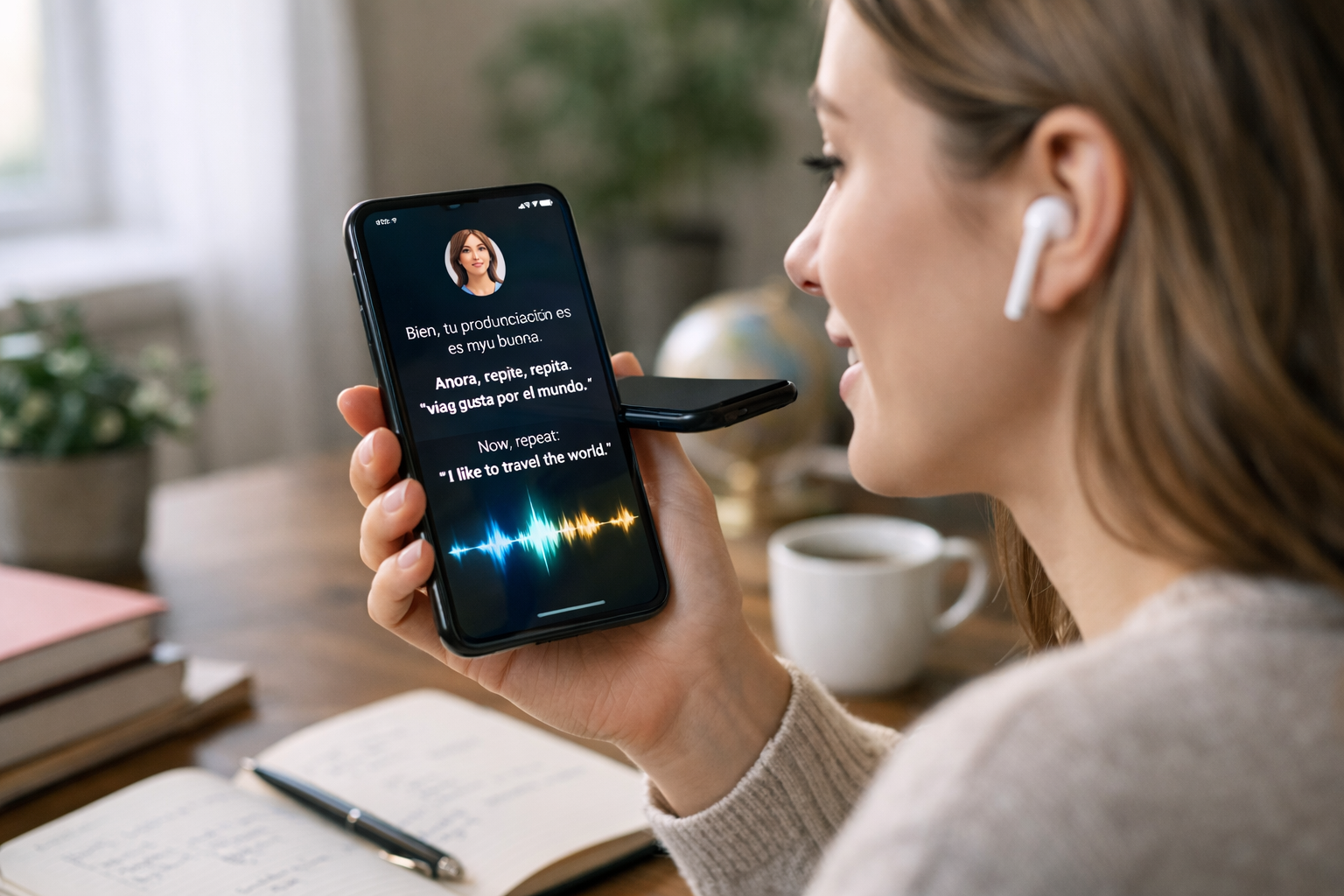
AI detects pronunciation errors and corrects them instantly by listening to your speech, breaking it into tiny sound units, comparing those sounds with correct pronunciation patterns, and then giving feedback in real time. In simple terms, it works like a very fast digital coach. If you say a word like “thought” as “taught,” the system can notice which sound changed, identify where your mouth movement may be off, and suggest how to fix it within seconds.
This matters because pronunciation is one of the hardest parts of language learning to practice alone. A textbook cannot hear you. A recording cannot answer back. But AI can listen, compare, and respond immediately, which makes practice more active and more personal.
Before looking at the technology, it helps to understand the problem. Pronunciation is not only about knowing a word. It is about making the right sound, stress, rhythm, and timing.
For example, many English learners struggle with pairs like these:
These words may look similar, but small sound differences change the meaning. Human teachers can hear those differences, but learners do not always have access to a teacher every day. That is where AI pronunciation tools help.
When you speak into a phone, laptop, or microphone, the device captures your voice as an audio signal. You can think of this as a digital version of sound waves in the air.
The AI system then cleans the audio as much as possible. It may reduce background noise, separate your voice from other sounds, and prepare the speech for analysis. This is important because even a good learner can sound unclear in a noisy room.
AI does not “understand” sound the way humans do. Instead, it looks for patterns in the audio. The system measures things like:
These features help the model identify whether you produced the expected sound. For example, the vowel in “bit” is shorter and different in mouth position from the vowel in “beet.” AI learns to spot these differences from many examples.
A phoneme is the smallest sound unit in a language. For example, the English word “cat” has three main sound parts: /k/ /a/ /t/. AI systems often compare your pronunciation at this very small level.
Why is this useful? Because instead of saying only “incorrect,” the tool can say something more helpful, such as:
This makes the feedback much more practical for beginners.
Most pronunciation AI is trained on large collections of spoken language. These collections include recordings from many speakers, accents, and speaking speeds. During training, the model learns what a correct version of a word or sound usually looks like.
Later, when you say a word, the system compares your version against those learned patterns. It looks for gaps between your speech and the target pronunciation.
For example, if the target word is “vegetable,” the AI may expect stress on the first syllable: VEJ-tuh-buhl. If a learner says each syllable too equally, or stresses the wrong part, the AI can flag that rhythm problem.
Many tools do more than mark a whole word right or wrong. They score individual parts, such as:
This is why modern AI feedback feels much more detailed than older voice tools. Instead of a simple “try again,” learners can get targeted advice.
The word “instantly” usually means within a fraction of a second to a few seconds. After you speak, the system processes the audio quickly and returns a correction while the word is still fresh in your mind.
This speed matters. If feedback comes 10 minutes later, you may forget how you actually said the word. Immediate correction helps your brain connect the mistake and the fix right away.
Different tools present feedback in different ways. Some highlight problem sounds in red. Others replay your voice next to a native or target example. Some show a mouth diagram or simple instruction like “place your tongue between your teeth for /th/.”
A good beginner tool usually combines three things:
This repeat-and-correct cycle is where much of the learning happens.
More advanced AI systems also personalise feedback. If a learner regularly confuses “r” and “l,” the app may offer more practice with those sounds. If another learner struggles with sentence rhythm instead of single sounds, the tool may focus there instead.
This is one reason AI can feel like a private tutor. It does not simply deliver the same lesson to everyone.
Imagine you are learning English and say the word “three” as “tree.”
Here is what the AI may do:
All of that can happen in seconds. That is the core answer to how AI detects pronunciation errors and corrects them instantly.
Several AI methods usually work together behind the scenes:
If these terms are new to you, do not worry. The simplest way to understand them is this: AI learns from many recordings, recognises common sound patterns, and uses those patterns to judge new speech quickly.
If you want to understand ideas like machine learning in plain English, it can help to browse our AI courses and start with beginner-friendly lessons that explain core concepts step by step.
AI pronunciation tools can be very useful, but they are not perfect. Their accuracy depends on factors such as microphone quality, background noise, accent variety, and how the tool was trained.
In many cases, they work well enough to improve daily practice. For instance, they can reliably catch repeated sound substitutions, missing endings, wrong stress, or unnatural pacing. But they may sometimes misunderstand rare names, mixed accents, or very noisy recordings.
That means the best way to use AI is as a frequent practice partner, not as the only judge of your speaking ability. Human conversation still matters.
Beginners often repeat the same mistakes without noticing. If a mistake is repeated 50 times, it can become a habit. AI helps stop that pattern early.
Instant correction supports learning in four practical ways:
Even 10 minutes a day of focused speaking practice can be more helpful than one long session each month.
One common misunderstanding is that AI wants every learner to sound exactly like a native speaker. Good language learning should focus on clear communication, not perfection. If your speech is understandable and confident, that is often the real goal.
Another important point is that accent is not the same as error. Many people speak clearly with a regional or international accent. AI should help with clarity, not erase identity.
If you are choosing a tool, look for features like these:
If you are also curious about the wider ideas behind speech technology, language AI, and beginner-friendly digital learning, you can view course pricing and explore affordable ways to build your understanding step by step.
AI detects pronunciation errors by analysing your speech sound by sound, comparing it with correct patterns, and giving feedback almost immediately. For beginners, that means more practice, faster correction, and a more confident way to improve speaking.
If you want to learn how AI tools like this work while building practical skills in language technology and beginner AI concepts, a good next step is to register free on Edu AI. You can explore beginner-friendly learning paths at your own pace and turn curiosity about AI into real understanding.




- Learning Evolved.
- Intelligence Amplified.